
Оригинал материала
Beyond Installation: How to Build a Stable Minecraft Java Mod Setup That Won't Break
Minecraft Java Edition has one of the most creative modding communities in gaming. From visual improvements and performance enhancements to entirely new characters, worlds, and mechanics, mods can transform the game into something completely different.
Yet many players never get to enjoy that experience because their game crashes before they even reach the main menu.
Interestingly, the problem usually isn’t the mod itself. It’s the installation process, version compatibility, or small mistakes that are easy to overlook.
This guide explains how experienced Minecraft players create a stable modded game and avoid the most common problems before they happen.
Start With a Clean Minecraft Installation
One of the biggest mistakes beginners make is installing dozens of mods on an existing Minecraft installation.
If your game already contains old mods, outdated configuration files, or leftover resources from previous versions, conflicts become much more likely.
Starting with a clean installation gives every new mod the best chance of working correctly.
Understand That Version Numbers Matter
Every Minecraft update changes something behind the scenes.
A mod designed for one version may not function properly on another, even if the difference seems small.
Before downloading any mod, always check:
- Minecraft version
- Mod version
- Required Java version
- Required mod loader
- Dependencies
Ignoring even one of these details can prevent the game from launching.
Choose the Correct Mod Loader
Minecraft Java Edition supports several popular mod loaders.
The most common include:
- Minecraft Forge
- Fabric
- NeoForge
Each loader has its own ecosystem.
Installing a Forge mod on Fabric—or the other way around—will almost always result in errors.
Keep Your Mods Organized
Instead of downloading files into random folders, create a simple organization system.
For example:
- Downloads
- Installed Mods
- Backup Mods
- Previous Versions
When something goes wrong, you’ll immediately know which file was recently added.
Install New Mods One at a Time
Many players install twenty or thirty mods together.
Everything looks fine…
Until Minecraft crashes.
At that point, finding the cause becomes frustrating.
A better workflow is simple:
- Install one mod.
- Launch Minecraft.
- Test the game.
- Install the next mod.
This process only takes a few extra minutes and can save hours of troubleshooting.
Always Create World Backups
Mods sometimes change world generation, blocks, entities, or saved data.
Before experimenting with new content, create a backup of your world.
If anything unexpected happens, you can restore everything within minutes instead of losing weeks of progress.
Learn to Read Crash Reports
Crash reports may look intimidating, but they’re often surprisingly helpful.
They usually point to:
- Missing dependencies
- Incorrect versions
- Conflicting mods
- Memory issues
- Corrupted files
Instead of deleting everything and starting over, reading the report can quickly identify the real problem.
Download Mods Carefully
The Minecraft community has thousands of excellent creators, but not every website distributes files responsibly.
When downloading any Minecraft mod, consider:
- Is the file updated?
- Does the page explain compatibility?
- Are installation instructions available?
- Is troubleshooting information included?
- Is the source transparent about supported versions?
Reliable documentation is often just as important as the download itself because it helps players avoid common mistakes before they occur.
Build a Stable Mod Collection
A good modpack isn’t necessarily the biggest one.
Experienced players usually focus on compatibility rather than quantity.
A carefully selected collection of well-tested mods often provides a smoother experience than installing dozens of unrelated files.
Take your time, test regularly, and remove anything that causes instability.
Frequently Asked Questions
Why does Minecraft crash after installing a mod?
The most common reasons include version mismatches, incompatible mod loaders, missing dependencies, or conflicts between installed mods.
Should I update Minecraft immediately?
Not always. Many players wait until their favorite mods support the newest version before updating.
How many mods are too many?
There’s no fixed number. A stable setup depends more on compatibility than the total number of installed mods.
Is backing up worlds really necessary?
Absolutely. Backups take only a few moments to create and can save countless hours of gameplay.
Additional Learning Resources
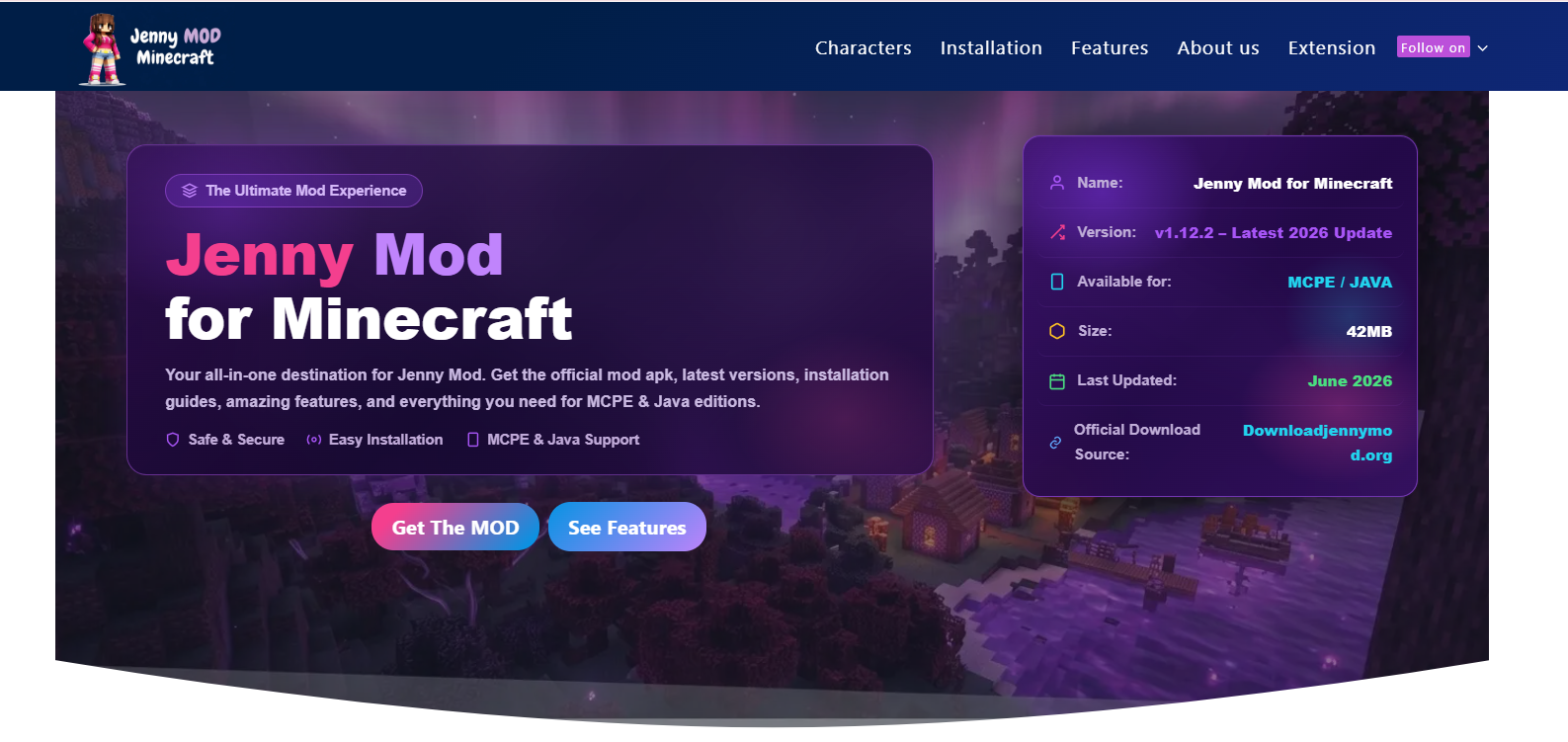
If you’re looking for detailed walkthroughs focused specifically on Jenny Mod—including installation steps, compatibility information, troubleshooting advice, and beginner-friendly explanations—you can explore the guides available at:
The site provides dedicated resources covering Jenny Mod for Minecraft Java Edition, common installation issues, and practical tips to help players get started more confidently.
Final Thoughts
Successful Minecraft modding isn’t about installing as many mods as possible—it’s about building a setup that remains stable over time.
Understanding compatibility, using the correct mod loader, testing changes one step at a time, and keeping organized backups will help you avoid most of the problems that frustrate new players.
Whether you’re creating your first modded world or refining an existing one, developing good installation habits will make every future modding project easier, safer, and far more enjoyable.