
Оригинал материала
How to Get Audio Transcript Online: A Step-by-Step Guide to Audio-to-Text Conversion
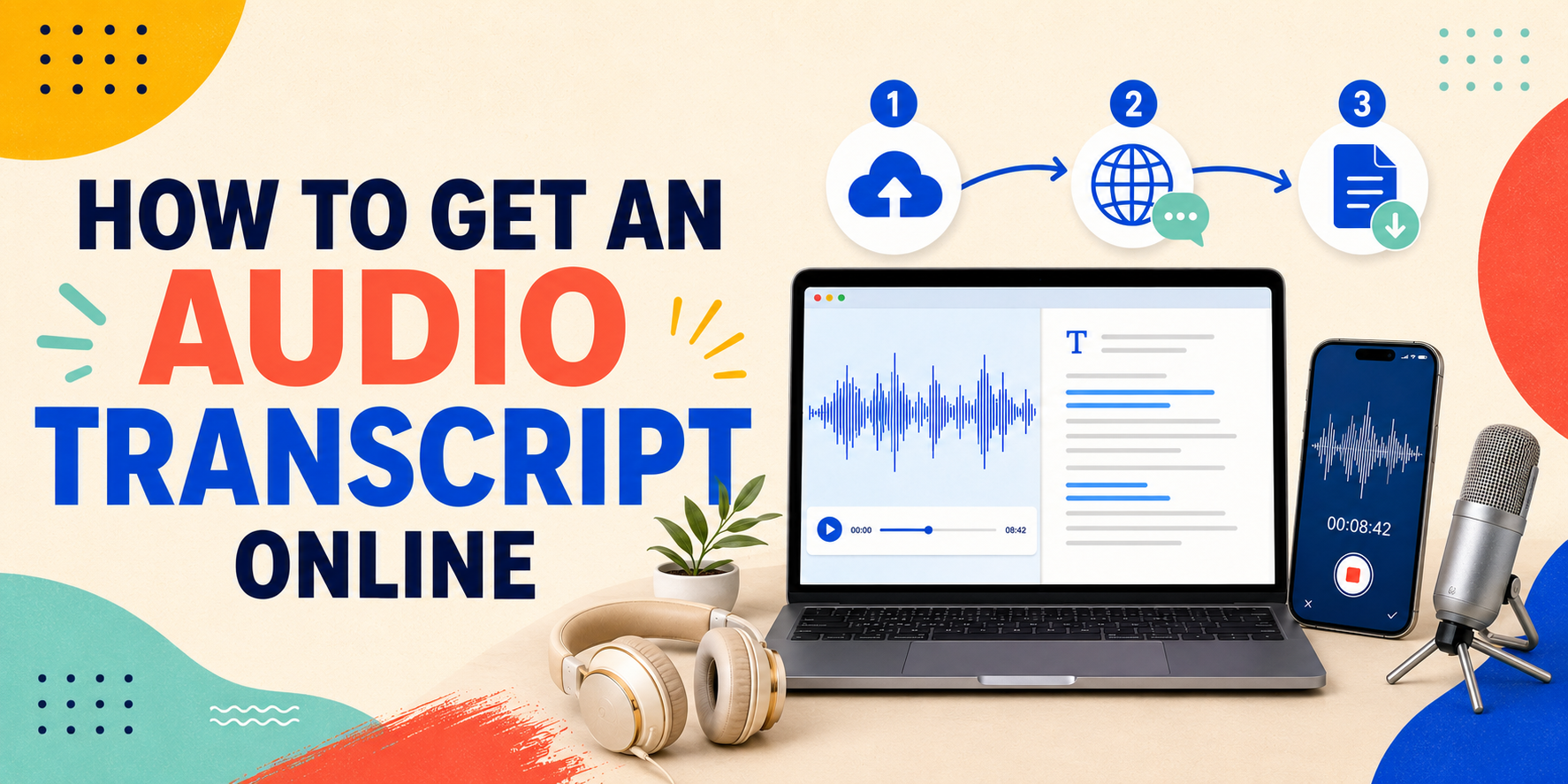
Have you ever attempted transcribing a lengthy interview or speech by hand? It is exhausting work. One listens for a few seconds, types out some words, stops, rewinds, and then repeats this process. After two hours of this labor, one’s fingers hurt and the whole afternoon has been spent on one transcript.
Thanks to modern web tools, learning how to get audio transcripts in clean, readable text takes just minutes now. Whether you are a student catching up on lectures, a podcaster looking for blog content, or a journalist with hours of interviews stored up — turning audio files into written text is simple once you understand how the process works.
Why Should You Convert Audio to Text?
Transcribing your recordings is not just a matter of avoiding typing — it opens up whole new opportunities:
- Transform One Recording into Several Different Formats of Content: From a 30-minute interview, you could generate a written article, a weekly email digest or social media posts in the form of quotes.
- Search Your Recording Easily: Looking for one quote in a two-hour unprocessed recording is like looking for a needle in a haystack. If you have your audio recorded in a text file, then just one Ctrl + F (or Cmd + F) will bring you exactly to that point.
- Improve Your Search Engine Optimization (SEO): Search engines such as Google do not "read" audio. Having transcripts of your content posted along with your audio allows you to index all words by search engines and drive additional traffic to your website.
- Increase Accessibility: Text transcription makes your content accessible to people who are deaf or hard of hearing, as well as for those who would rather read from a document than listen to an audio.
How to Get Audio Transcript Online (3 Easy Steps)
Online audio transcription to text is fast and easy. This is how it is done:
Step 1: Upload your Audio File
Go to the transcription website and upload your audio. Most websites accept files in common formats including MP3, WAV, M4A.
Step 2: Set the Language for Transcription
Set the language used in the audio file. Automatic language detection saves time but setting the language or dialect used can lead to better transcription results. After setting the language or dialect, hit “Transcribe” and you’ll get an mp3 to text online.
Step 3: Download your Transcribed Audio
Your transcription should be complete in just a matter of minutes depending on the length of the audio. Correct any names or industry-specific words and then download the transcription.
Practical Tips to Get High Accuracy
- The first and foremost determinant of accuracy in auto-transcription is the quality of your sound recording. An immaculate sound file results in an automatically transcribed document which is free from any mistakes and requires minimal post processing.
- Quick Fact: Five minutes spent recording clean audio will save you 30 minutes spent correcting typos later on.
- Remove Background Noises: Heavy fan sound, external traffic, and room reverb confuses the speech recognizer software. Record in a quiet place or use a noise-cancellation filter before uploading.
- Prevent Overlapping Speech: Overlapping speech means two speakers talking over each other and this becomes hard for the transcription software to determine which one said what. Proper crosstalk management during recording can significantly improve accuracy.
- Move Closer to the Microphone: In-built microphone in computers and mobile phones picks up heavy room reverberation. Using a simple USB microphone or lapel microphone clears everything up.
Frequently Asked Questions
Can I Get an Audio Transcript for Free Online?
Yes, you can get an audio transcript for free online. The free services will do fine for short audio files or for those who do not use the service regularly. Paid services will suit you better when you need long transcriptions and higher limits on usage.
How Long Does It Take to Transcribe a 30-Minute Audio File?
An audio clip of thirty minutes can normally be transcribed within two to five minutes. However, the processing time depends on various factors such as the quality of the audio, ambient noise level, file size, and more.
Which file format should I download?
- Choose .TXT or .DOCX if you plan to read, edit, or copy the content into an article or report.
- Choose .SRT or .VTT if you need timed subtitles to pair with a video.
#AudioTranscription #AudioToText #SpeechToText #AITranscription #ArtificialIntelligence #ProductivityTools #ContentCreation #Podcasting #Accessibility #CreatorTools #VoiceTechnology #DigitalTools #SEO #FutureOfWork #OnlineTranscription