
Оригинал материала
How to Compare Xprinter Label Printer Models for Different Printing Volumes and Needs
Xprinter makes a lot of label printers. That is good news for buyers who know exactly what they need and slightly overwhelming for everyone else. Two models can look almost identical on a product page yet behave very differently once they are sitting on a packing bench during the busiest week of the year. The mistake most buyers make is comparing features in isolation rather than comparing models against a realistic picture of their own workload. Volume is usually the deciding factor, and once that is clear, the rest of the comparison becomes far more manageable.
Starting with an Honest Volume Estimate
The most useful number to establish before comparing anything is how many labels you actually print. Not the average day, but the busiest day, because that is when equipment gets tested. A small shop printing fifty labels a day has very different requirements from a fulfillment center producing three thousand. It also helps to think about whether printing happens in steady trickles or concentrated bursts, since a printer rated for continuous output behaves differently from one designed for intermittent use. Writing down this figure honestly prevents both overspending on unused capacity and underbuying that leads to mid-shift failures.
Entry-Level Models for Light and Occasional Printing
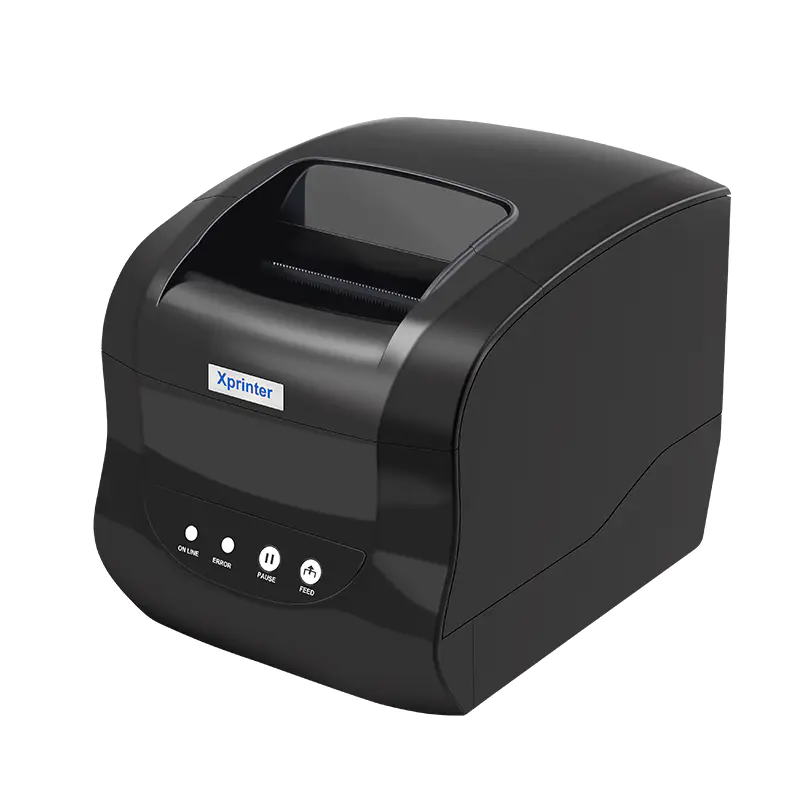
At the lower end of the range, Xprinter label printer offers compact desktop printers suited to light workloads. These machines handle a few hundred labels a week comfortably and suit retail counters, small offices, and startups just beginning to ship regularly. They are affordable, easy to set up, and require minimal maintenance. What they do not offer is headroom. Push one through a holiday surge and it may slow down, overheat, or wear out faster than expected. For businesses whose volume is genuinely stable and modest, an entry-level model is a sensible, economical choice rather than a compromise.
Mid-Range Models for Growing Operations
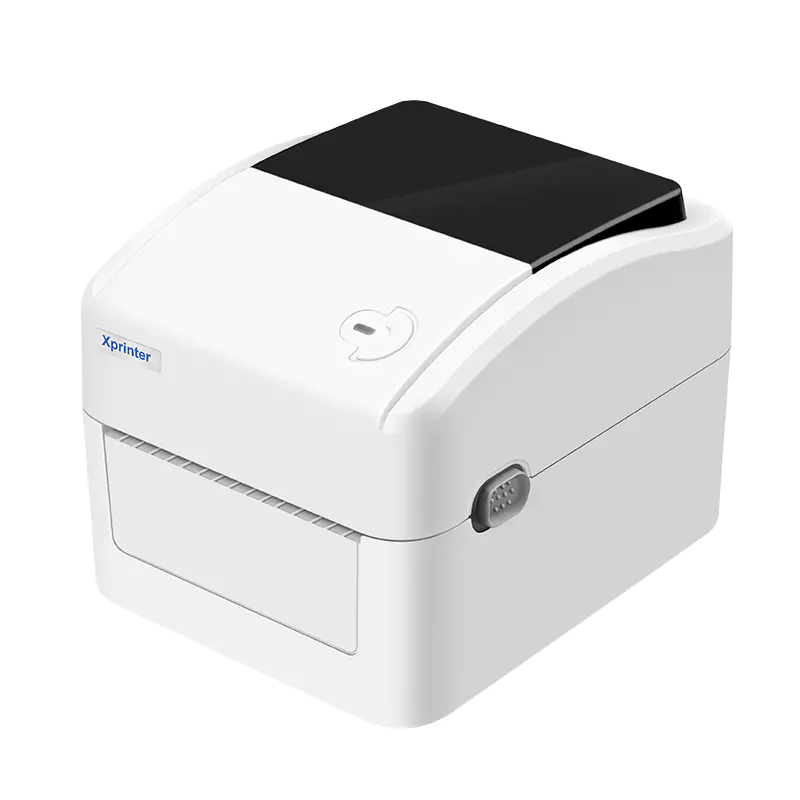
The middle of Xprinter’s lineup tends to offer the best balance for businesses that have outgrown occasional printing but do not yet need industrial hardware. These models typically provide faster print speeds, higher duty cycles, and broader media support, including the four-inch width needed for standard shipping labels. Many include network connectivity as standard, which allows multiple workstations to share one printer. For a growing e-commerce operation, a small warehouse, or a busy retail store, a mid-range printer often delivers the flexibility to handle seasonal spikes without requiring an immediate upgrade.
Industrial Printers for Continuous High-Volume Work
When printing happens all day, every day, industrial models become necessary rather than indulgent. Xprinter’s industrial printers feature metal construction, protected print mechanisms, and duty cycles rated for continuous operation. They handle larger roll diameters, which reduces reload frequency, and they maintain speed over long runs without the thermal throttling that affects lighter machines. Distribution centers, manufacturing floors, and high-volume fulfillment operations fall into this category. The higher upfront cost is offset by longer service life and fewer interruptions, which matters enormously when downtime directly delays shipments.
Comparing Resolution, Speed, and Duty Cycle Together
These three specifications should always be evaluated as a group. Resolution determines output sharpness, with 203 dpi handling standard barcodes and 300 dpi serving small or dense labels. Print speed affects throughput during busy periods. Duty cycle describes how much continuous printing the machine tolerates. A fast printer with a low duty cycle is not genuinely fast across a full shift, and a high-resolution machine that prints slowly may bottleneck a dispatch desk. Comparing all three against your realistic peak volume produces a far more accurate picture than judging any specification alone.
Weighing Media Support and Connectivity Options
Beyond core performance, media handling and connectivity often decide between two otherwise similar models. Check the maximum and minimum media width, the accepted roll core size, and whether the printer supports gap sensing, black mark sensing, or both. Connectivity matters just as much, since USB suits a single workstation while Ethernet and Wi-Fi allow shared access across a facility. Bluetooth supports mobile printing from tablets. A model that fits your workflow physically and digitally will serve you better than one with marginally better specifications that cannot connect where you need it.
Matching the Model to the Workload
Comparing Xprinter label printers is ultimately an exercise in matching capacity to demand. Light users are well served by compact desktop units, growing operations benefit from mid-range machines with room to expand, and continuous high-volume environments need industrial hardware built for endurance. Resolution, speed, duty cycle, media support, and connectivity fill in the details once the volume category is settled. Businesses that take the time to estimate their real workload before shopping tend to end up with a printer that simply works, which is precisely the point.