
Translated material
Online video editor
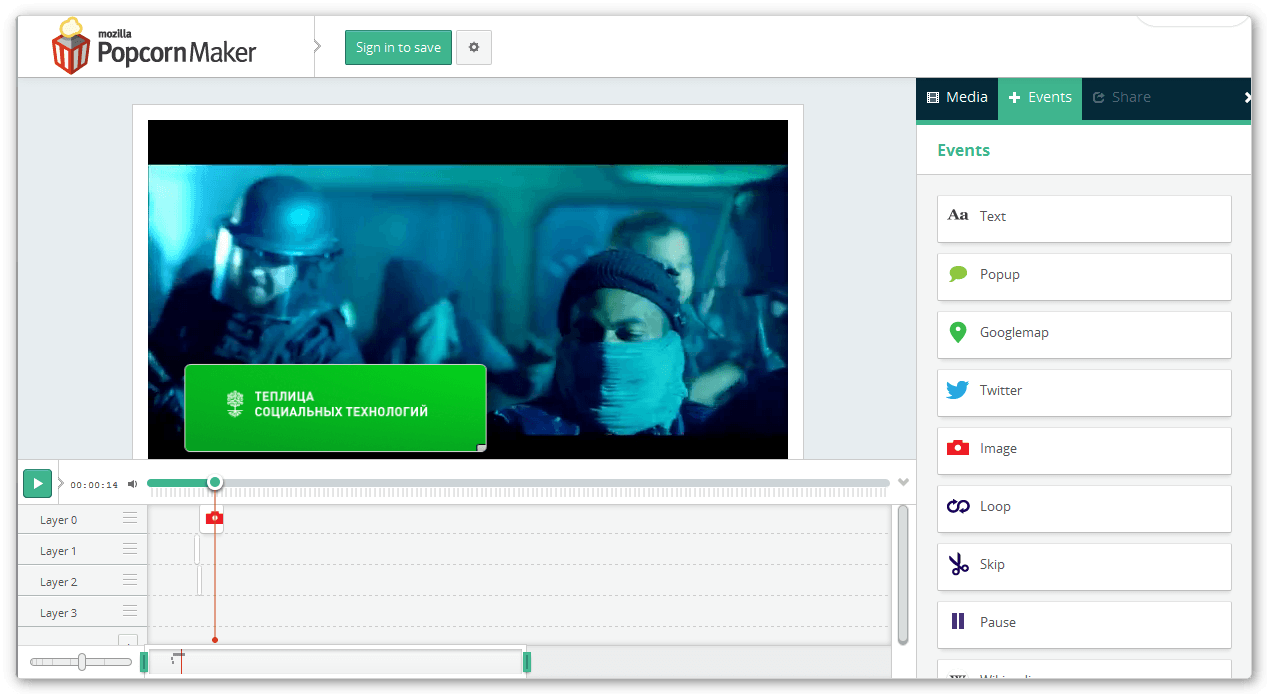
Popcorn Maker is an innovative video editor that will help you create a spectacular presentation, interactive report and even multimedia illustrations for your articles.
We are sure that none of our readers need to explain how greatly the selected and decorated videos can be of great importance for your project. The information that usual requires numerous explanations and comments in the usual way can be completely disclosed using the video in just a few minutes.
However, new times have largely changed the requirements for the presentation of the material and to replace ordinary videos of an interactive video content that combines video, sound and web-adherent (links, text, maps, images, etc.). Such an interactive video presentation can be used as a visual training or demonstration video, multimedia report, and even as an object of new digital art.
You can try yourself in creating such interactive videos using a special online editor called Popcorn Maker . This web application was developed by the creators of the popular Firefox browser as part of the Mozilla Webmaker initiative, aimed at attracting users to create a web content.
The interface of this online editor will seem well familiar and familiar to all users who have ever worked with video editing programs. Here, in the same way, the main place in the center is occupied by the area of the preview, below are the paths of video, sound, text inscriptions, effects and so on. Pay attention to the toolbar on the right. It is here that the basic possibilities for adding content and setting up its display are concentrated.
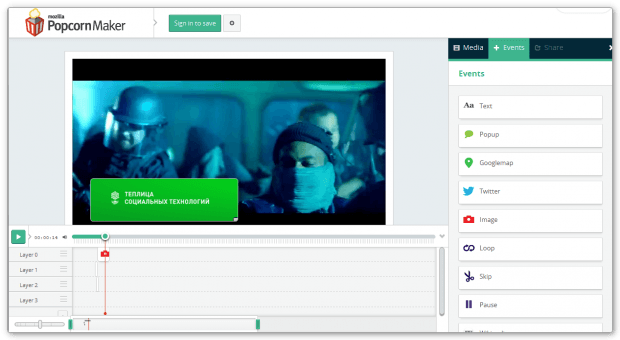
First of all, you should go to the Media tab in the toolbar and choose which video you will use as the basis of your project. These can be videos with YouTube, Vimeo, SoundCloud or any HTML5 Video. Just indicate the link.
Then we open the next +Events tab and add the necessary elements to your video. The choice of available components is quite large: images, pop -ups, map, text, links, articles from Wikipedia and so on. We just take the desired component and drag it to the right place on the track line.
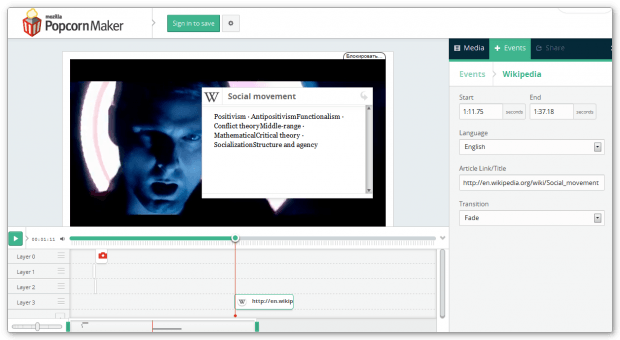
Immediately on the right panel, the properties of the added element opens, where we can configure its main characteristics and display options. Thus, we can indicate at what point the images, links or inscriptions added by you will appear in the video, how much to demonstrate and what will happen when clicking on them.
Interestingly, although Popcorn Maker is not a video editor in its purest form, we can still correct the process of playing the source roller in some way. For this, there are pause elements, rewinding and cyclic reproduction. Having placed these elements in different parts of the tape, we will be able to skip the reproduction of unnecessary segments, make the selected area play a repeated number of times or even pause the video.
After your video presentation is ready, it must be saved. After that, the distribution of the video in social networks, the code for embedding into the site or blog, direct link to the page with your work, which you can send by e -mail or publish on the Internet, will be available.
Created Mozilla online video editor Popcorn Maker will help to bring the use of video materials in your projects to a completely new level. With it, you can add another information layer to the video, which allows you to convey your thought to the audience more qualitatively and fully. Use the innovative functions of this service to create spectacular presentations, interactive reports, multimedia illustrations for your articles. Experiment, create, surprise!