
Translated material
Web Stories for WordPress. Now stories will be on your site
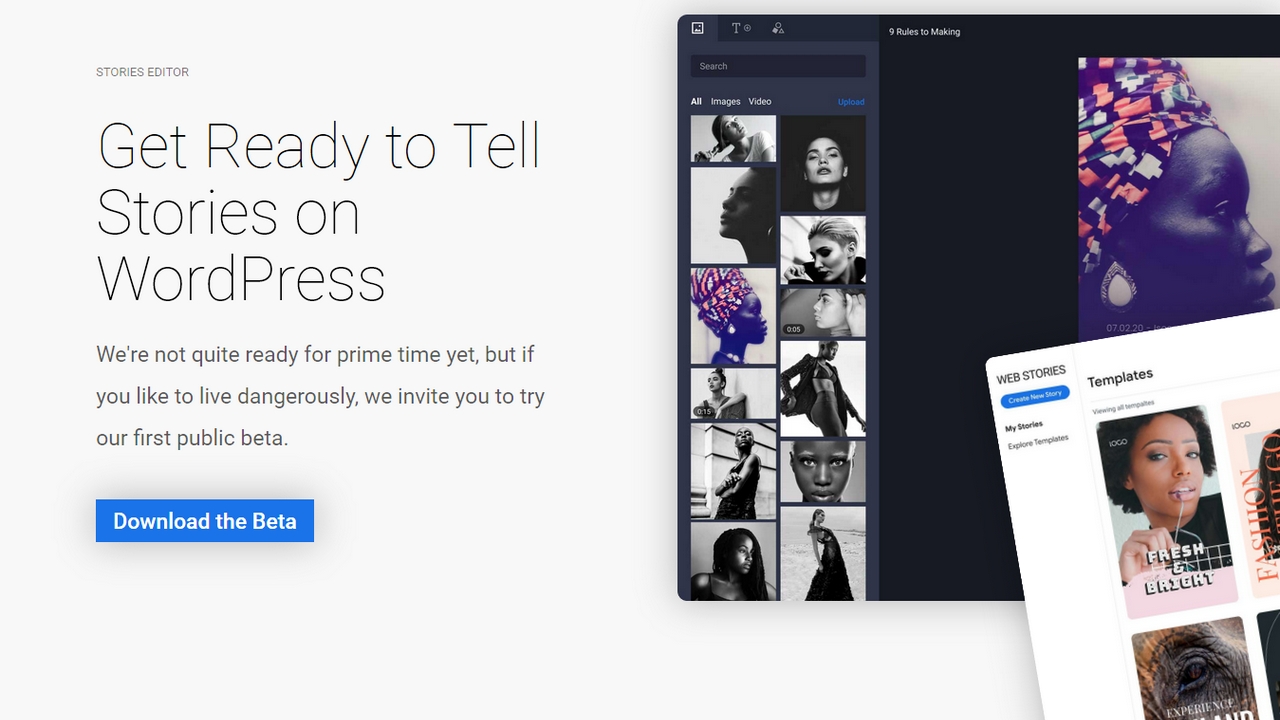
Google has released a public beta version of the Web Stories plugin to create stories and add them directly to the site on WordPress. In this world, of course, there are few places where you can create such blocks (irony). Nevertheless, the world search engine does not so often produce plugins for WordPress, so let's see and evaluate.
What are stories
Many, if not all, users of social networks are familiar with this format of posts. These are photos or videos of 15 seconds, the main essence of which is visibility within a day from the moment of publication. Then the story disappears on the bowels of the Internet.
The main social networks and services where you can publish such content is Instagram, Facebook, VKontakte. All three actively support and develop this communication channel with subscribers of the author. New functions, various stickers and other elements of attracting are added.
But there are few social networks for us, now stories have reached WordPress sites. Not anyone, but Google itself published a beta version of the plugin to create stories. So now your readers have nowhere to go from such posts, they will be on the site.
How the plugin works
First of all, we remember that the plugin is not yet the final version, but only the beta, albeit public. This means that the version has not yet been brought to mind and is in the testing process. And public means that it is already possible to use already, in principle,. With an eye on possible mistakes in work. But, in general, it is quite a working option. What we will use.
You can download the plugin so far only on the Google page on Github . In the official catalog of the plugins there is no one yet (because the beta version). Download the archive and installing it on the site is easy, we will skip this moment.
After installation and activation in the site console, a new Stories point appears. There are only three subsections inside, very good. It will be easier to figure it out.
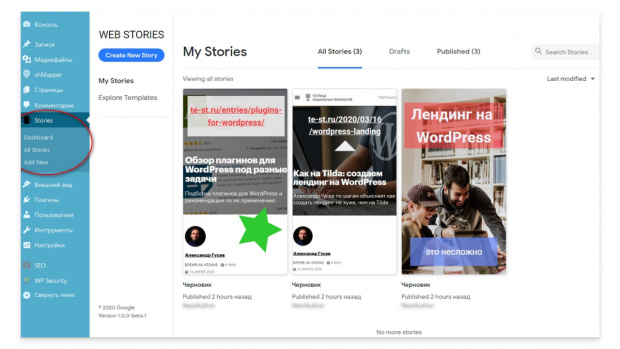
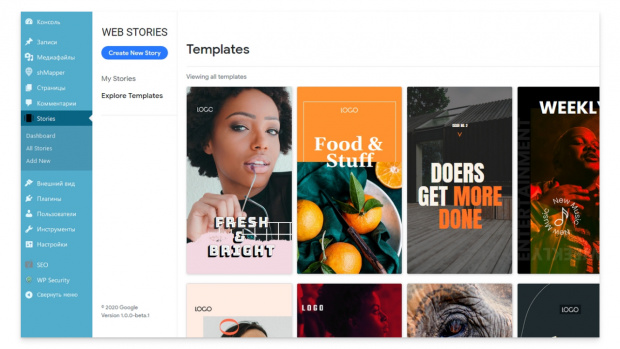
Three tabs on top: all stories (All Stories), drafts (Drafts) and published. It is also convenient that there are preinstalled templates (Explore Templates).
How to create a story
The Create New Story button opens the creature window in which everything happens. On the left of the image selection tab or video (yes, it can also be added), creating and editing the text and imposing various figures (rectangle, circle, and so on).
In general, if you have a minimum experience in creating a story on a phone in one of the social networks, then you will figure it out. Here the principle is the same. You can attach several pages to each story, and then there will be an automatic shift change. You can add a link to each page, draw up the page itself with color blocks - there are no differences from the usual stories in the same Instagram.
How to publish history
So, everything is ready, the story was created and designed. Now on the Document tab in the Permalink field you need to create a link to history and copy the entire link to the exchange buffer.
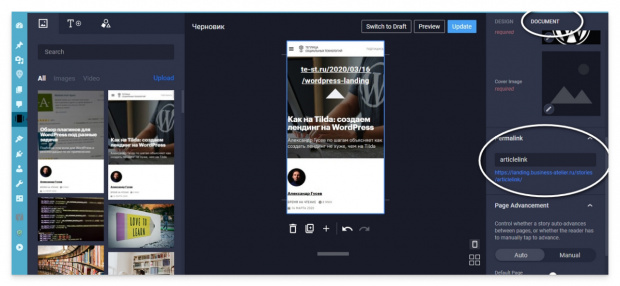
Then we open the desired page and select the new Web Story block in the block list. And in the line that appears, we insert a full link to the story.
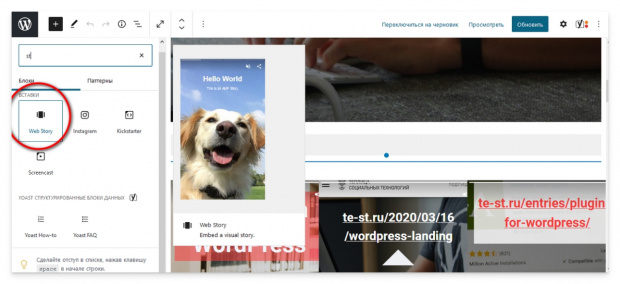
This is all, now the story is published on the page. You can proudly say that your site now has stories. Just like on Instagram. Given that such functionality on sites is very rare, this is a good reason to stand out among others.
How ready stories look on the site, you can see here . The test site continues its work with might and main, and new functions are screwed directly on it. If you have not read an article on creating a landing on WordPress, then here it is , please.
Advantages of stories on the site
First of all, this is novelty. Few sites on the Internet are used, and this is really a good way to make a variety in content on the site. You can see how stories look at foreign sites, at the same time borrow some ideas.
An interesting question about the bunch of stories and SEO. Since the plugin from Google itself, that is, the logical assumption that history will also be well indexed. At least the first time. To advance the technology, Google will surely give her priority. So here is another benefit to you.
Well, and the third point-it makes sense to run into stories while they are in the status of beta versions. If you like such a presentation, then by the time of the release of a completely working version you will be fully armed. From the point of view of the ability to use stories. And there, you look, and the updates will be. Which is also good.