
Translated material
From Windows to Linux: moving without pain
If you have linux:
- You are younger than 30 years old, male, wear glasses, go in a greasy sweater;
- In your beard, a “system administrator directory” is hidden;
- The screen of your computer is predominantly black;
- You consider Windows lovers to be ridiculous masochists, and MacOS adherents are narcissistic majors;
- You can swear in three languages: php , python and C ++ ;
- You give the commands to your dog on the command line ;
- You are not able to wash, because your bathroom has long been converted into server;
- You order pizza using the phrase " Sudo Apt-Get Install Pepperoni ";
- You have a medallion on your neck with a face of St. Richard Stalman , encrypted Openpgp .
This, of course, is a joke. But even today people are afraid that Linux may not be their teeth. Like, this is a complex and terrible thing for computer geeks. And maybe the favorite text editor will not start in someone else's operating system. And the files created in Linux will not work anywhere else.
For those who are thinking of “moving” to Linux, we will talk about this free operating system. The simplest words, without difficult terms and long explanations.
What is Linux
Linux is an open code operating system. It is based on ideas that took shape back in the 70s of the last century. Actually, Linux Ra was a Finnish student Lunus Torvalds in the early 90s. The name "Linux" is a slightly altered name of the young programmer.
The idea of a completely open operating system attracted programmers. Not only numerous applied programs appeared, but also individual Linux: Ubuntu , Mint , Manjaro , Fedora , Opensuse , Debian , Kubuntu , Elementary OS , MX Linux . Each distribution had its own logic, appearance, a set of programs. Recently we wrote about Tails , a loading flash drive to ensure safety and anonymity. Tails is also Linux (based on Debian).
Modern Linux distributions no longer scare newcomers with indispensable ritual magic spells on the command line. They are functional and convenient. They have a thoughtful graphic interface translated into Russian. For many tasks, Linux is quite capable of replacing Windows or MacOS.
Free is not equally suspicious
Sometimes the phrase reaches my ears: "Free cheese happens only in the mousetrap." So they say not only about Linux. In fact, what interest is the specialist in creating a program if he does not sell it? How is his work paid?
A person can try his hand as a novice programmer. He can work to form his own professional reputation. Sometimes the work of the programmer is paid by income from advertising demonstration. Often free versions of programs and services are used to attract customers to more advanced paid versions. In them, restrictions are removed, the functionality is richer. Examples of this approach are CCleaner “Cleaner”, PROTONMAL Mail service, Mailvelope encryption browser plugin, numerous VPN services, for example, Windscribe .
Many developers receive grants and organize donations. So, for example, an anonymous TOR network and its main product Tor Browser are developing.
And of course, one cannot discount the main force, which is behind the creation and development of free software. I'm talking about enthusiasts for whom the main thing is the idea. Fully paid workers, partially busy freelancers, volunteers believe that free software is necessary for this world.
Why move to Linux
First of all, we are talking about a combination of two reasons.
The first reason is a reasonable unwillingness to “substitute” yourself and your organization illegal (“pirate”) programs. According to article 7.12. The Code of Administrative Offenses of the Russian Federation for this relies in a fine of up to 2 thousand rubles for individuals and up to 40 thousand rubles for legal. Worse than that: they will seize all the equipment in which they will find unlicensed programs. If their cost exceeds 100 thousand rubles, criminal liability will come with a sentence of up to two years in prison ( Article 146 of the Criminal Code of the Russian Federation ).
The second reason is the lack of funds for the purchase of expensive licensed programs. Or just a reasonable desire to save.
Of course, other reasons can move a person. For example, the desire to try something new. Or a donated laptop with a pre -installed Linux system. Or the idea of "revive" the old technique. Where Windows 10 will crawl like a wounded turtle, some light modern Linux distribution will be successfully earned.
Who does not need to move to Linux
I would not advise moving to Linux to two categories of users.
- Gamers. Most modern "sophisticated" computer games are for Windows. Fan of Red Dead Redemption 2 ? Cool, the subcopies are another ten thousand on the Windows.
- Those who work with programs that, alas, do not have Linux versions. Mostly I'm talking about professional use. Say, video editing atAdobe Premiere Pro .
There are, of course, more rare cases. For example, the host of computer courses, training newcomers to the basics of working on a computer, is unlikely to do this in Linux. After all, his “wards” are most likely already Windows.
Will Windows programs work
In modern Linux distributions there are programs for solving the most popular user problems. “From the box” you will get about such a basic set of applications:
- file manager;
- office package (including a text editor);
- archive;
- web browser;
- Postal client;
- media player;
- Image viewer or even a graphic editor;
- scan utility;
- calculator;
- Safety programs such as the inter -grid screen and the discharge utility of disks;
- All kinds of programs to include different options and system settings.
Although these programs are not the same as for Windows, but “just” similar, they are completely functional. As a rule, people have no problems with adding up to a new calculator. Users associate the most fears with office programs. Will Writer and Calc from the Libreoffice package support all your styles, templates and formulas that were in Word and Excel? To answer this question, it makes sense to first test Linux (at the end of the article we tell in detail how to do this).
Installing new Linux programs
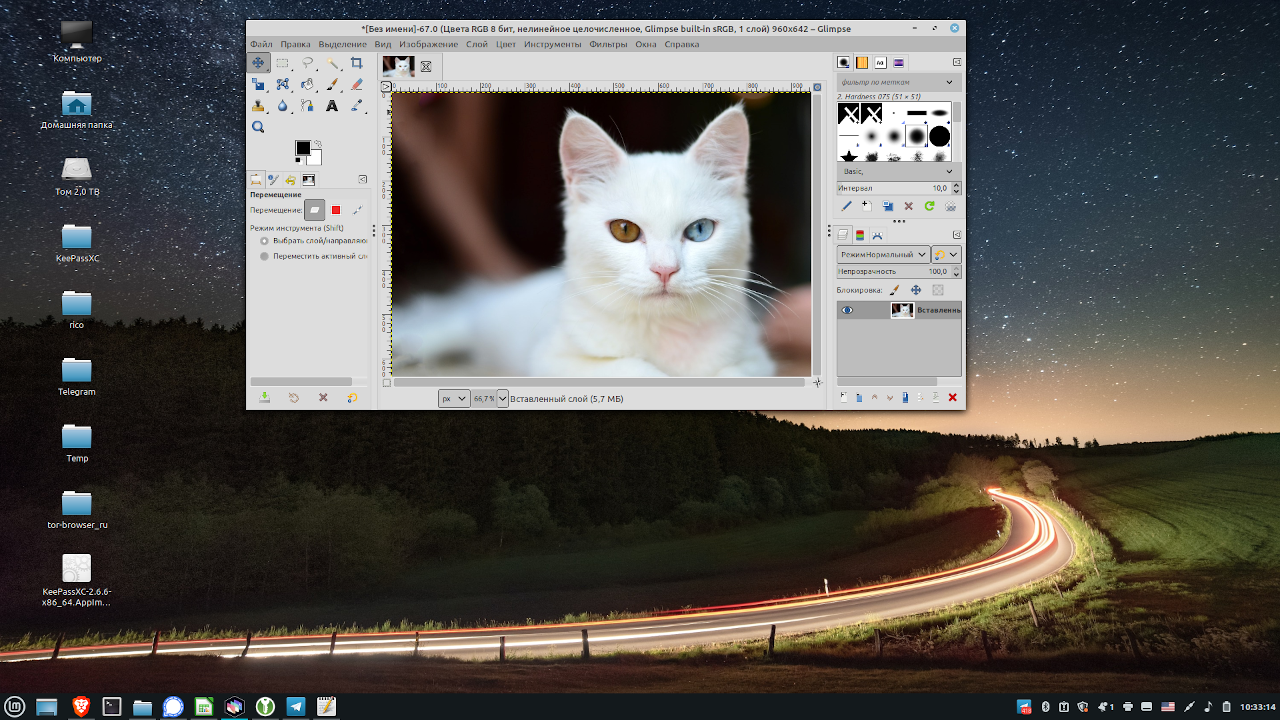
In Linux, you can install programs to your liking. For example, I like Clementine player, Glimpse graphic editor (version of the well -known GIMP ), Brave browser, Veracrypt encryption holder. There is no all of this beauty “by default” in my Linux Mint . Therefore, I establish the listed programs myself. This is usually easy to do using a built -in program manager.
If the program manager offers not the latest version or there is no program I need at all, I download it from the Internet and install it manually. Something like Windows users do.
In extreme cases, Linux can be launched “only under Windows” through a special Wine module.
Reading files of different formats
Using Linux programs, you can read all the formats that you are used to working with. For example, Libreoffice Impress can open Microsoft PowerPoint presentations. Of course, Linux “understands” such common formats as JPEG , MP3 , PDF .
And back: Libreoffice Writer can save files in Microsoft Word format. Moreover, you can even configure Writer so that the files are always saved only in DOC/DOCX.
However, for example, in Windows and Linux are different font sets. And if the fonts are not built into the document created in Windows, then when opened in Linux, the operating system will replace fonts. The document will look different. In this case, you can advise or set the appropriate fonts in Linux, or change them to others.
Support for different equipment
You can be completely calm for such standard equipment as a mouse, a keyboard, a monitor, external discs and flash drives connected via USB.
The situation may not be so simple with a printer, scanner or a multifunctional device ( MFP ), especially if the “grandfather” is 12 years old. Quite often people make an upgrade to a computer, but they use the printer until it scatters. Not all manufacturers of peripheral devices provide for the operation of their products in Linux. So, for an old MFP from HP, I had to install the HPLIP branded package, but the newer diode printer Xerox 3010 earned “out of the box”. If you have doubts whether your printer, scanner or other Linux device will work, try to find the answer using the search engine. Just enter the printer and Linux model in Google.
Separately, it is worth writing about laptops. There are problems like “The brightness of the display is not adjusted from the keyboard in Linux” (you need to use software adjustment.) The same advice: to find out about such moments, google with the name of the model of your laptop.
In recent years, Linux has noticeably advanced in the sense of supporting various “iron”, but it is impossible to completely exclude the problems yet.
Command line
The modern user is used to the graphic interface . Linux is often associated with work on the command line (in the terminal). This is able to confuse the beginner. The situation is aggravated by Linux experts who are happy to give such tips on the forums: “There is nothing complicated here. Sudo Gedit /etc/pulse/daemon.conf, edit and rejoice! ” Here we are only talking about sound settings on a computer. But the user is used to dragging virtual sliders and pressing virtual buttons.
Situations where this may be needed, arise less and less. Indeed, there are many Linux fans on the network, for which you will not believe it! - It is easier to configure the sound or install the program on the command line than in the graphic interface. In an ordinary user, such a need rarely arises. And if this happens, it is enough to copy the command from the leadership, insert into the command line and press the Enter button.
Will Linux be faster than Windows
If you are a regular working atmosphere for you-a modern browser with 40 open tabs, plus a messenger, a text editor, a graphic editor and five more programs, and only 8 GB of RAM, then your computer slowed down and slow down.
In other cases, when working with a browser or office packages, you in practice, most likely, will not see an increase in speed. On the other hand, on the old “hardware”, where Windows 10 does not want to live, you can start easy assembly by Linux like Kubuntu , Lubuntu or Puppy Linux .
Will linux be safer Windows
Rather, yes than not.
In recent years, Microsoft has taken measures to make its operating system safer. Now there is not only the built -in firewall , but also the Windows Defender . The time was passed when the first program for installation on Windows was an antivirus. But Windows still remains the most “favorite” operating system for the creators of viruses.
In Linux, you cannot install the program without entering a password. It will not work to immediately start the downloaded file - you need to give permission. On the Linux side is open code: many users around the world study probable vulnerabilities. There are Linux distributions specially “sharpened for safety”, for example, Qubes OS . The Internet is full of articles with a more or less detailed comparison of Windows and Linux safety.
Can you try first?
To make a balanced decision on moving to Linux, you can create a loading flash drive or loading CD/DVD. When rebooting the computer, select the appropriate medium and rejoice at Linux.
This method allows you to evaluate the interface, test different programs, open and save files of different formats, work on the Internet. In a word, to do everything that the user usually does.
How to create such a flash drive, for example, for the Ubuntu distribution, is described in this article .
Some prefer to install Linux “parallel” Windows. To do this, you must first divide the disk into two sections. Windows will remain in one section, in the other Linux will “settled”. I believe that this advice is good only if you are a developer or software tester or for a different reason need alternately in one or another operating system. An ordinary Windows user is likely to “move” back to Windows, his usual environment. To evaluate Linux, you need to get used to it a little, and for this Linux must be used more often.
Which Linux distribution to choose?
This question will never be out of place. Each year , reviews, comparisons and recommendations of different authors are published. You can say this:
If you do not agree with these recommendations for beginners and would like to add something (or, conversely, exclude), please write in the comments.