
Translated material
A selection of tools for the perfect presentation

Material updated January 2022.
Content:
Wondering how to make interesting presentations? Icons, graphic elements, fonts, slide animations - we present you a selection of tools with which you can quickly and easily create a beautiful presentation.
Creating a beautiful, clear presentation that illustrates your story without distracting your audience from telling it isn't easy, especially if you don't have design skills.
But there's no reason to despair and create another boring PowerPoint presentation - there are many free and easy-to-use tools that can help you create a good presentation.

IcoMoon.io is a site where you can find, download and use hundreds of icons for free. Icons can be a good replacement for a monotonous bullet list in your presentation, and they can also be used when creating infographics.
You can easily resize the icon or repaint it a different color.
They are available in formats:
- SVG,
- PNG.

Canva.com makes it easy to create beautiful graphics—with this tool, anyone can easily add beautiful graphics and design to their presentation. You can create entire presentations based on existing templates, or individual graphic elements, and then add them to your presentation.

Pixlr.com is a free tool that runs in the browser and can easily replace all the basic functions of Photoshop. The tool also includes color filters and various add-ons that will help you quickly create something beautiful.

PiktoChart.com will help you create infographics for your presentation.
Using the tool is very simple - you just need to select from the available graphical ones:
- elements,
- icons,
- fonts.
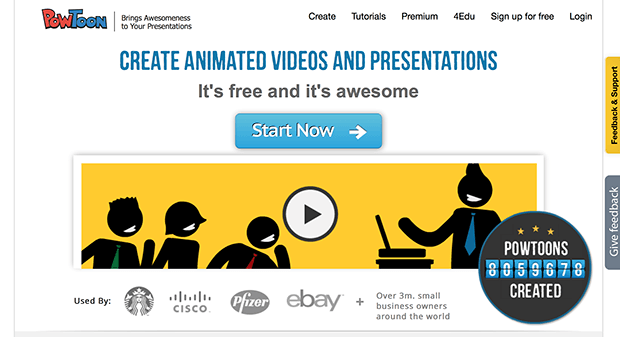
Powtoon.com is a tool that allows you to create animated videos in minutes. Drag and drop the necessary elements for presentation design and animation effects - and the video, which can then be easily inserted into the presentation, is ready.
Use video, especially full screen. This is a powerful technique that completely immerses the viewer in what you are talking about.
It is important to choose the right video. It should either independently tell the story you need, or harmoniously complement the content of the slide.

DaFont.com is a site where you can find interesting fonts for the text of your presentation. They will add variety to your presentation. Fonts are organized by category, and you can always preview a font before downloading.
Suitable for everyone who is tired of Helvetica. But we advise you not to forget that you should not use more than three different fonts on one slide, and you can also take advantage of tips from experts that will help you not make mistakes in your visualization.

SubtlePatterns.com is a site where you will find hundreds of free textures that you can use as backgrounds for your slides. You can also use all textures in Photoshop as patterns.

EveryStockPhoto.com helps you find beautiful, high-quality photos with a license that allows them to be used, so you can always illustrate your idea with the right image.
If you don’t find the picture you need, you can use our collections of resources ( here and here ) with free images.

Trackbat will help you understand whether your presentation is interesting to your audience. Trackbat will show you which slides were interesting to your audience and which were not. Using this information, you can make appropriate adjustments to your presentation design.