
Translated material
5 free notes for notes
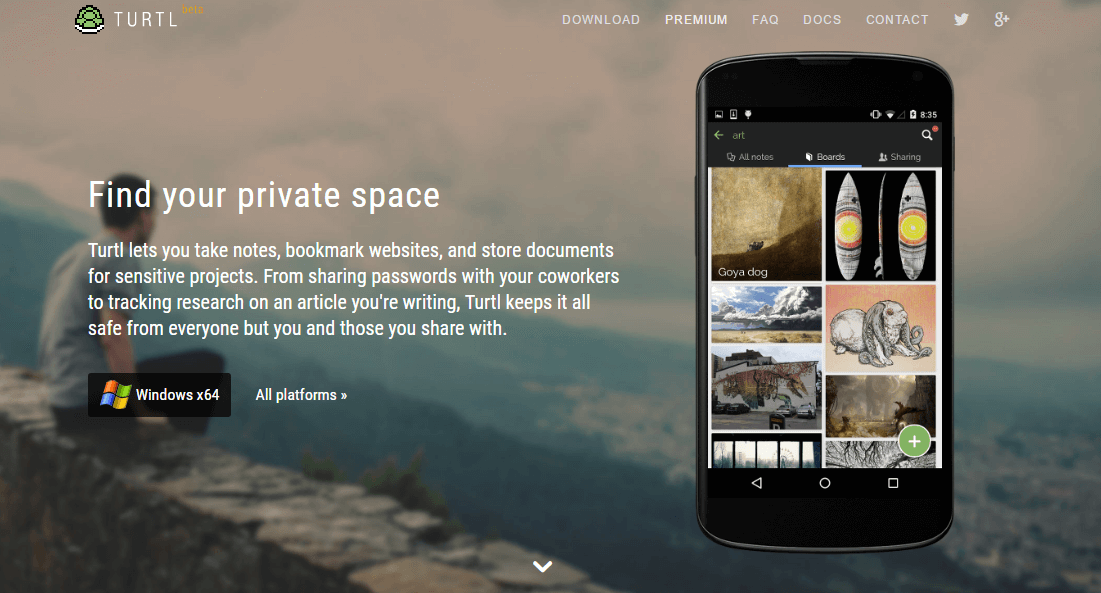
The greenhouse correspondent chose five free applications for creating personal notes, abstracts, solving work problems and keeping diaries. Some of them can be used right in your browser.
1. Turtl
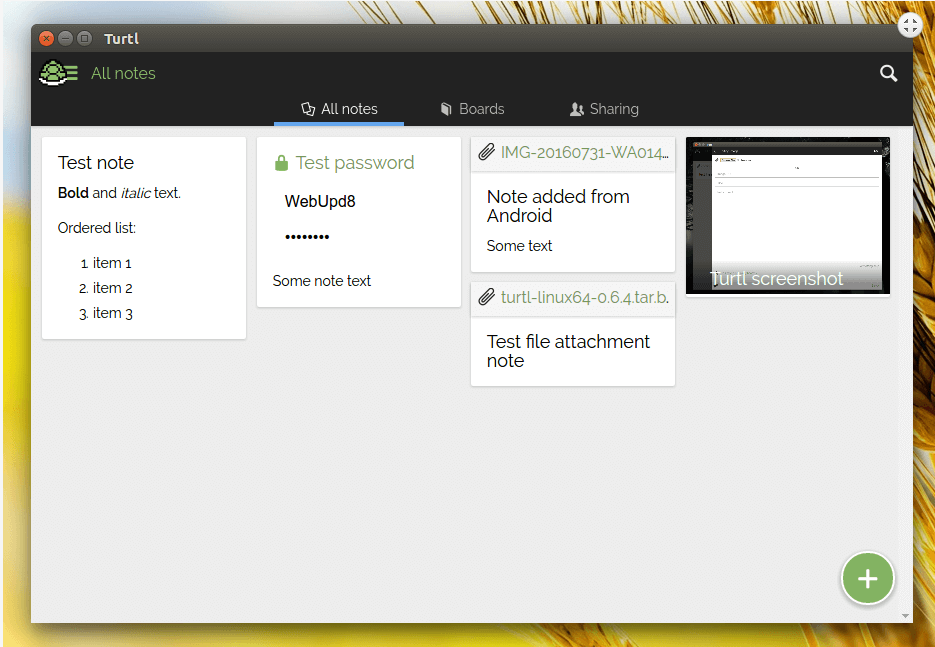
The program allows you to create and store notes, laying websites, passwords, documents, photos. Photo: picture from the site turtlapp.com
All notes can be organized in different “boards”. They can be available to other Turtl users. Tags can be added to notes. The search works by the date of creating the entry, the date of update, keywords, the author of the last edit and on the attached tags. Before saving records, Turtl encrypts data using a cryptographic key and password that are not stored on the server. So another person with whom you want to share it can read your data.
The program is available for Windows, Mac and Android. iOS. You can download the extension for Firefox and Chrome browsers.
Turtl site.
2. Zim Desktop Wiki
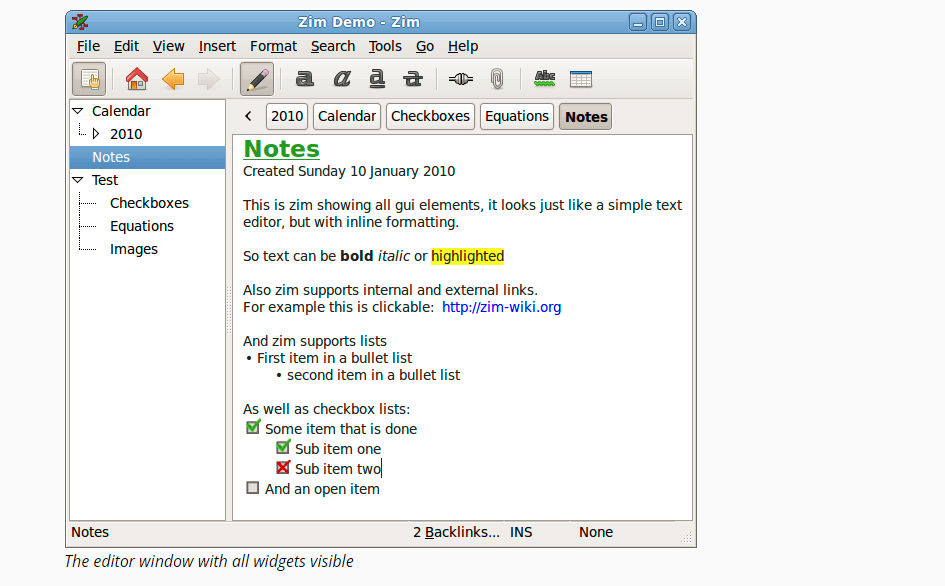
Photo: from the site: zim-wiki.org
A text editor for creating notes with a hierarchical (tree) structure. This means that each entry is saved as a text file with a wiki damp. Records are saved automatically, they can add links to other pages, images and formulas or create a list of planned cases. The program is suitable as a diary. By the way, a notebook can be synchronized with your other devices. There is a search for all notes and you can check the spelling of your notes.
The program is available for GNU/Linux, Mac OS X and MS Windows.
Site ZIM Desktop Wiki .
More on the topic: 5 resources with free licensed music for video, visualizations and events
3. Keepnote
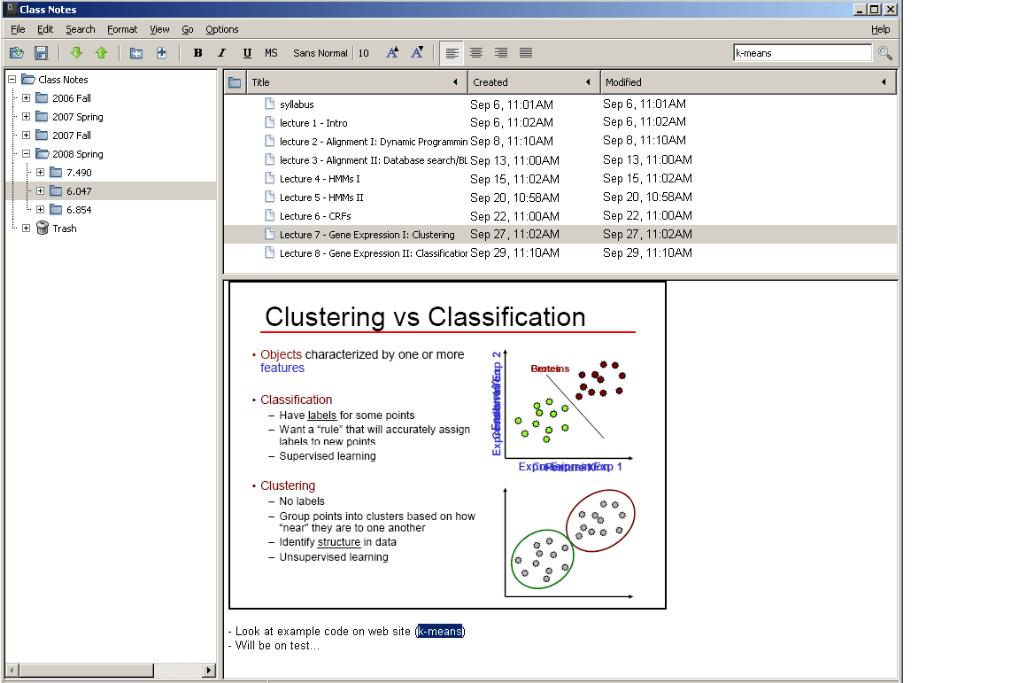
Photo: from the site www.keepnote.org
Appendix for keeping notes. The created entries have a clear structure: they are divided into directory and files. Keepnote can be launched in the background. You can add an image, a link to a file or screenshot of the screen to the note, and the text can be formatted. If you remove the note, then first it moves to the “basket”, this will protect from the loss of the necessary files. All notes are checked for spelling. During operation, you can open several tabs with different notes.
The application is launched in Linux and Windows.
Keepnote
4. Gnote
The application that automatically saves and synchronizes your notes with Gmail. In your post, a special short -up note will be created, where all notes will be stored. In the application you can make text notes, photos and audio. For each note you can make reminders or share them with your friends through social networks. There is a search option. The main elements of formatting are available: italics, bold font, heading, text indentation and markers.
At the entrance to Gnote, you can install a pin code. Available for Android.
Gnote site.
5. Tiddlywiki
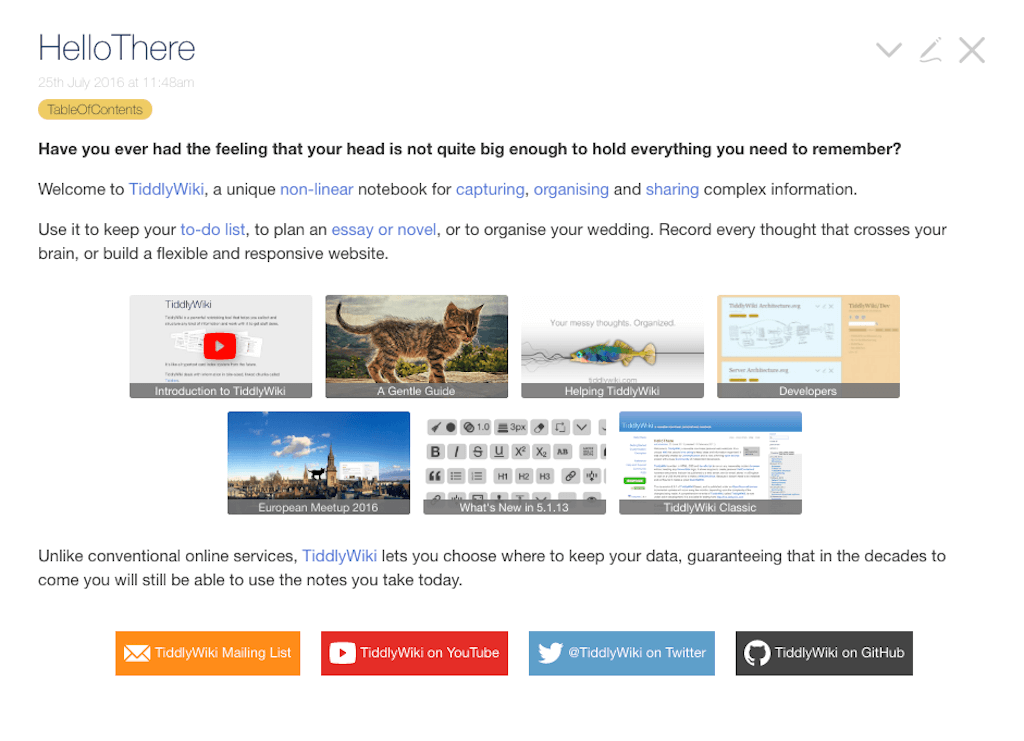
Photo: Frvggment of the site tiddlywiki.com
A simple service for creating notes and their structuring. Can be used as a personal organizer. It looks like a wikisite in the form of a large HTML file. All created information is stored in an encoded form. For working with Tiddlywiki, a browser is enough and it does not matter which operating system you have. The record can be laid out on any web server as a static page that will turn into a full-fledged wiki site. There is navigation by notes.
No need to register. The Tiddlywiki application works on Windows, Mac OS X or Linux platforms.
Tiddlywiki site.