
Translated material
Tools for time management, organizing information and communication in the team
How to be a leader? Lead behind yourself, inspire your ideas? Competently manage projects and work in the team? What is needed for this? In this article, we present you a selection of tools that will allow you to build a job, keep a time record, evaluate the effectiveness and motivate those next to you.
Time management tools
TOGGL - Time accounting application
How do you manage your time? Do you know what to spend it on during the day? Is it that in the evening you do not have time to complete a couple of important things, only because you were too often distracted by social networks?
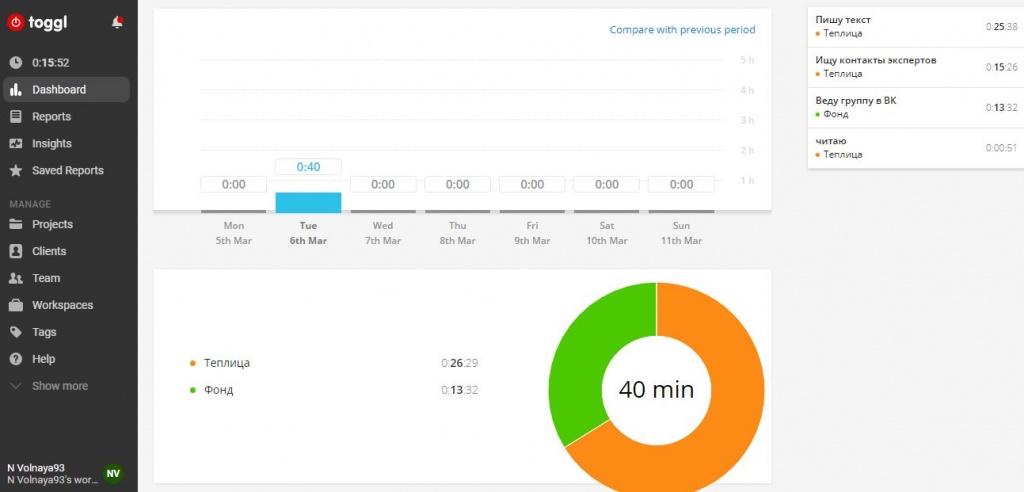
The greenhouse offers to postpone the book about productivity and download the online service accounting for Toggl. It will help to track your time and develop discipline.
Working with the application is simple: to start the timer, you need to click the Start button. Indicate the title (what you are doing now) and briefly describe your task. Also write the name of the project to which this task refers. As soon as you finish, press the "stop". And if you are distracted, also press the “stop” so that the tracker fix it as soon as you return to the task, resume accounting.
" ASANA"-online manager of tasks for collective work
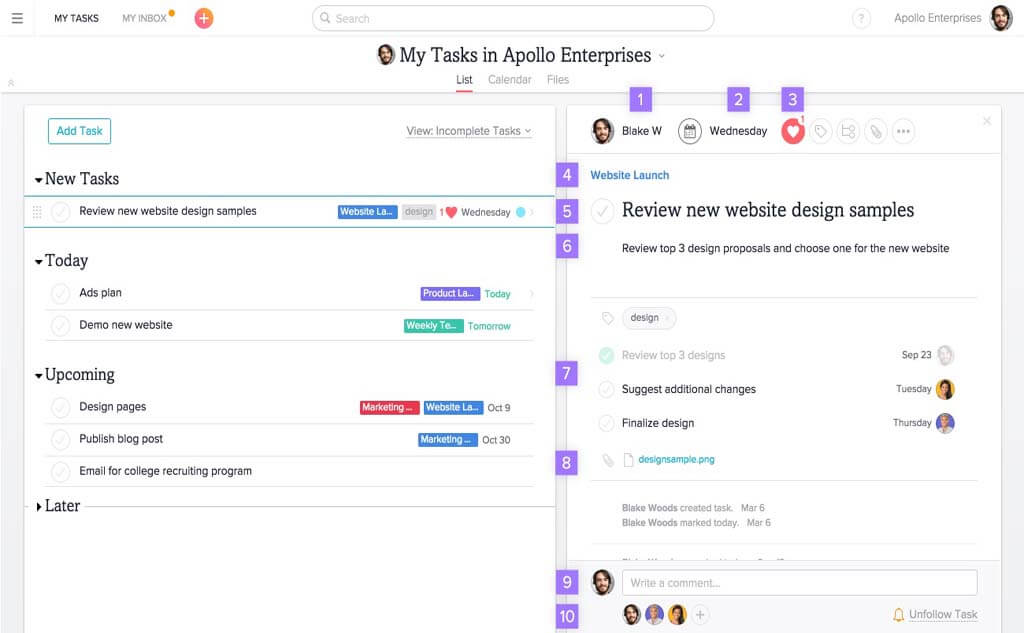
The Asana application is one of the most convenient online tools for planning and managing the tasks and organizing joint work of charitable foundations, public and human rights organizations.
Asana
Tools for organizing information storage
HIBOX - chat and messenger to work in the team

Hibox messenger is designed for online communication with colleagues. The web application allows you to create group chats in which you can correspond and share files, make video calls and set tasks for a month of both the whole team and an individual employee.
Using the Hibox messenger, you can create group chats, make video calls and set tasks for a month of both the whole team and one employee. Photo: an example of one of the chat streams.
Paper Dropbox - Free Service for Create Notes
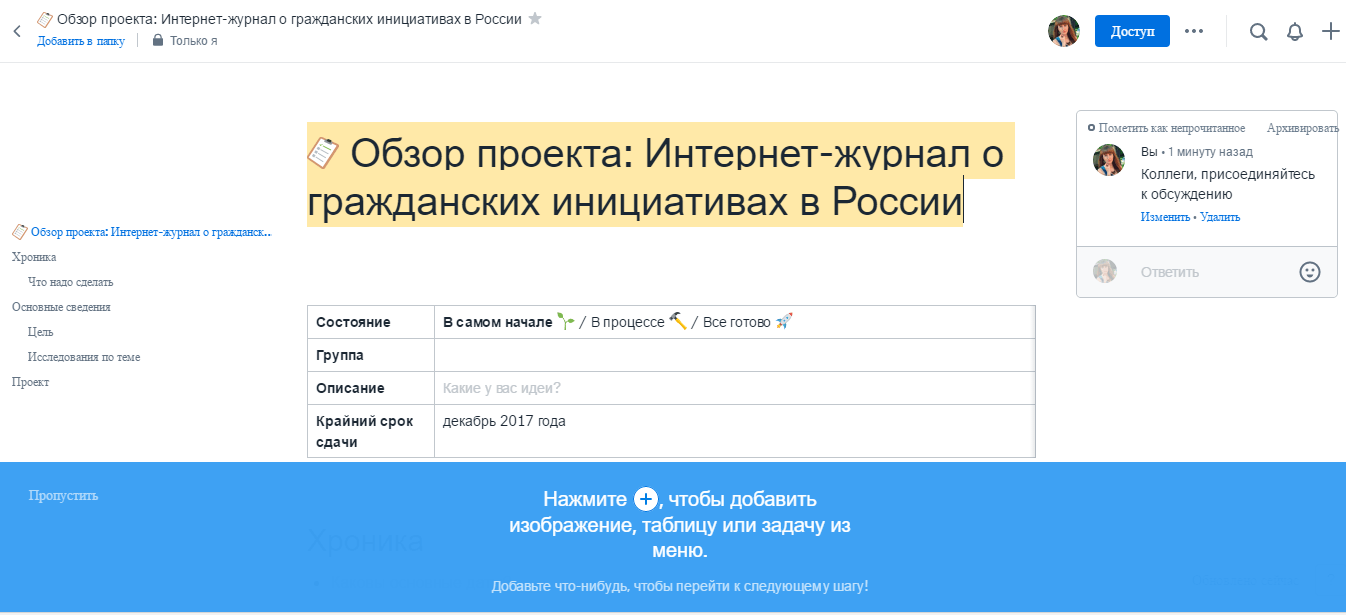
Service for creating notes, a list of tasks, discussing projects by the entire team. It works very simple. To get started, you need to enter an email address on the service website, and then the password and your name. You can go to the program through the mail to Gmail. After the service will offer you to choose a document template: brainstorming, project review, collections of meetings, but you can create your own new document. I chose a “project review” and invited several friends. The interface, by the way, is English -speaking, but supports the introduction of text in Russian.
The program has an intuitive and understandable interface, with a pleasant design. It is very convenient to organize notes: there are folders, “Favorites” marks, search and tape with changes in all joint documents, sorted in chronological order.
Apiary - helps create documentation for the API

You can spend a lot of time on the creation of the API documentation: you need to describe many details for your consumer. The program just helps to create documentation for the API (Application Programming Interface is an interface of programming, an application creation interface or, in other words, finished code).
All your documents will be created in a special objectively oriented language ( DSL ). Then, using a proxy to the API , you can write requests to check that all described is true. It is especially suitable for those who place their GitHub IT projects because the service provides free synchronization with hosting. The created document may take too many pages, which is extremely inconvenient for editing.
There is a free version of the program, works with some restrictions: it does not support the corporate identity, you can not embed documentation on the website.
Any.do - Task manager
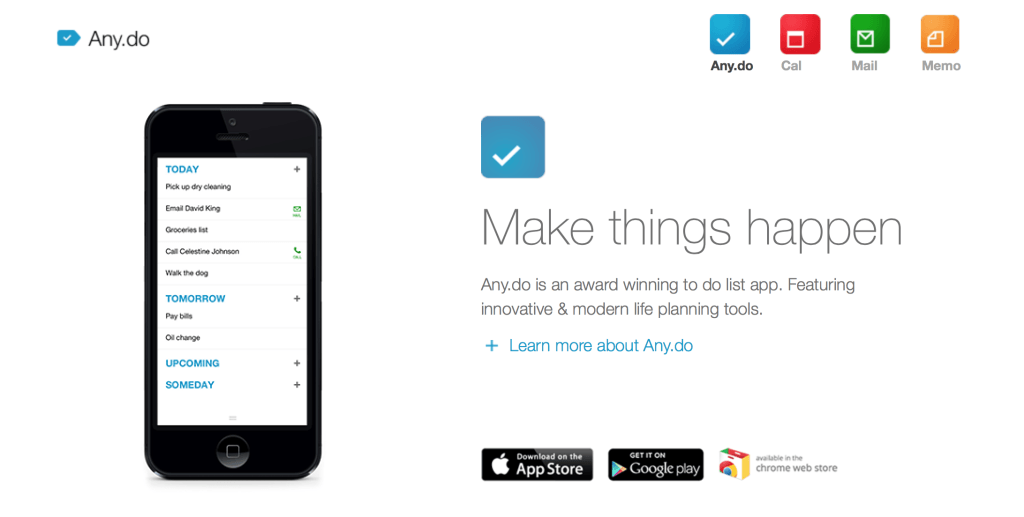
One of the most popular free Task managers that will allow you to plan everyday business and follow the plan. The application allows you to add new tasks in a voice, set reminders in time or place, share your list of affairs, synchronize lists on different devices and much more.
Download any.do for iOS | Android | Chrome
Evernote - for data storage

One of the most popular services that allow you to collect and save information. Simple use and a free application will help you save the necessary information in one place and gain access to it from all your devices - write notes, take photos, make tasks of tasks and reminders.
Download Evernote for iOS | Android | Mac | Windows
Tools for creating a list of contacts
CRM system "Megaplan"-tools for business communication
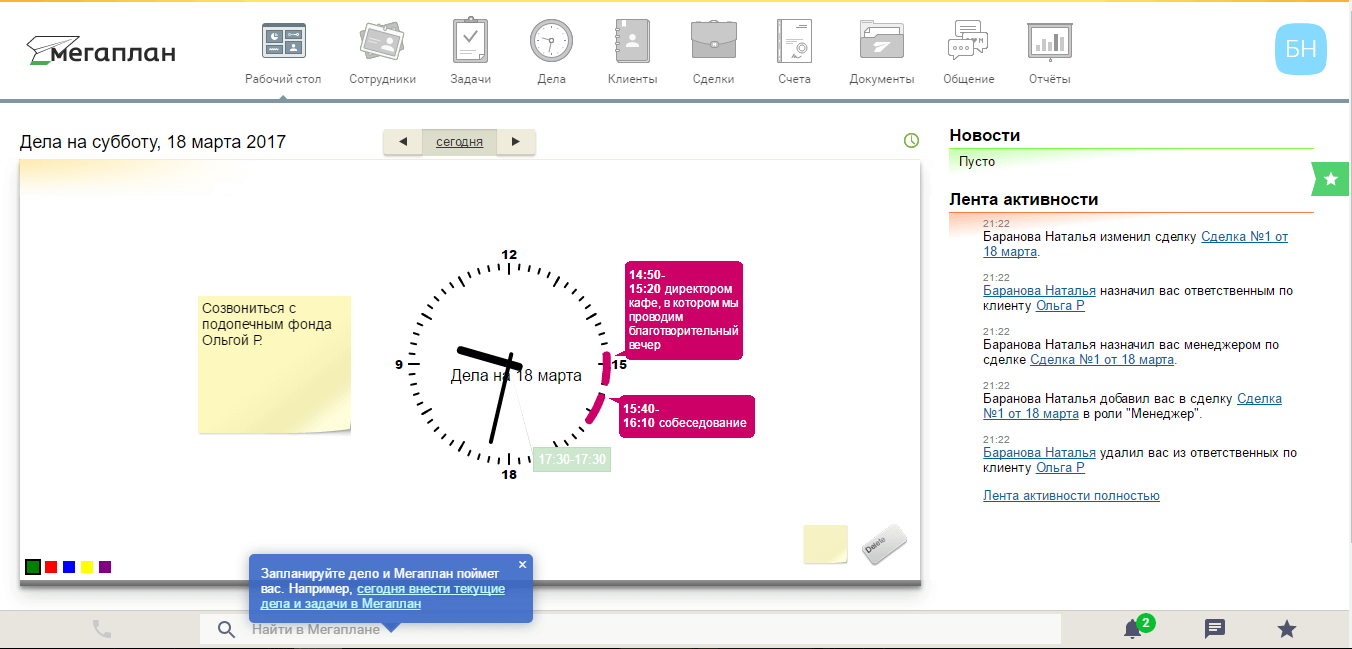
The Megaplan CRM system is a project of Russian developers of the company of the same name. This is a cloudy system that is designed to simplify the work with the help of a personal calendar, a list of tasks, communication with colleagues. You can also issue accounts in it and work correctly with customers, not forgetting any details. The greenhouse correspondent tested the tool and figured out whether it is suitable for the work of public organizations.
A bot is working on the Megaplan website, which can be asked an interest in the question. You do not need to install the system on your computer, everything works online. Registration will take several minutes: you need to come up with the name of your page “Megaplan”, enter the name, surname, email address. Then you will receive confirmation and data on your account.
Commands for communication in the team
Appedar.in - Free video chatting service
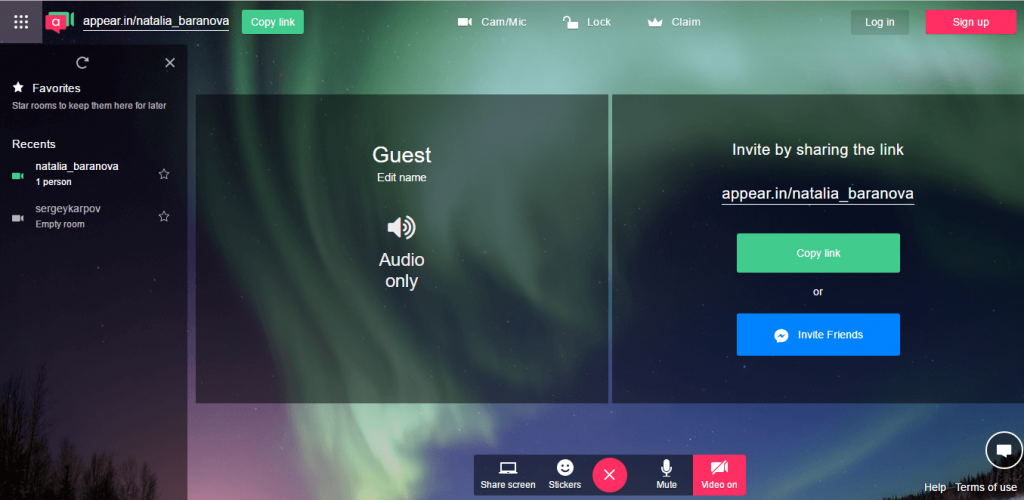
Appear.in has a pleasant interface, high quality video calls. Image: screenshot from the site Appear.in
The service allows you to conduct free video calls in which up to 8 people can participate. The program has a pleasant interface: the background is an image of the northern lights. The service works directly from the browser and does not require download and registration. You just need to come up with the name of the conversation or enter your name. The service automatically generates a link to your channel for video communication. You simply send this link to your friends or colleagues, and they connect to the call.
There is a text chat. The service has a premium version for $ 12 per month for video chats up to 12 people. You can install the corporate design of your channel. The iOS application works, and for the Opera browser - the expansion of Appear.in Pop .
Jit.si - Free video call program
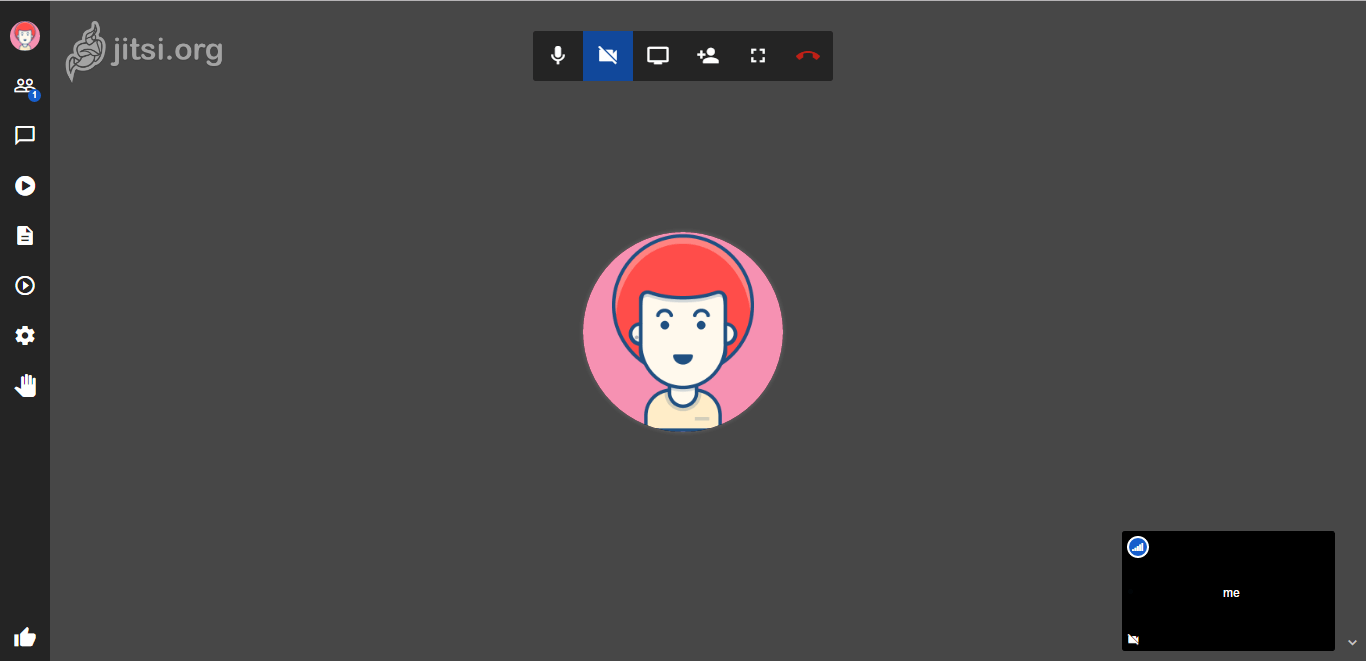
https://meet.jit.si screenshot
Free video call program. Organizing video chat is quite simple. The service works from the browser: you need to go to the service website and enter the name of the conversation, and then share this link with your colleagues. An unlimited number of participants can connect to the video call. You can communicate using a chat, and in which case put a call for retention. And Jit.si retains the history of calls.
Using the program, you can not worry about the safety of communication. The program has an open code, but at the same time, all traffic is encrypted through the ZRTP protocol. It is believed that it is difficult to “open” it. So this can be considered a significant plus.
The service has good communication quality, even if you have a slow Internet.