
Translated material
Google, Apple and Facebook (supposedly) want you to sit less on the phone. How does this work?
On August 1, functions appeared in Facebook and Instagram mobile applications that should help users spend less time in them and less often distracting notifications. This is a continuation of one of the main trends in 2018: developers of popular applications and operating systems embed functions that limit the amount of time that we spend in front of the phone screen. Medusa compared what tools give Facebook, Google and Apple to its users.
Facebook and Instagram
Time in the appendix: In the Facebook and Instagram applications settings, you can see a schedule that shows how much you spent on average in these apps over the past week. To find out how much time it took a specific day, you need to click on the corresponding column.
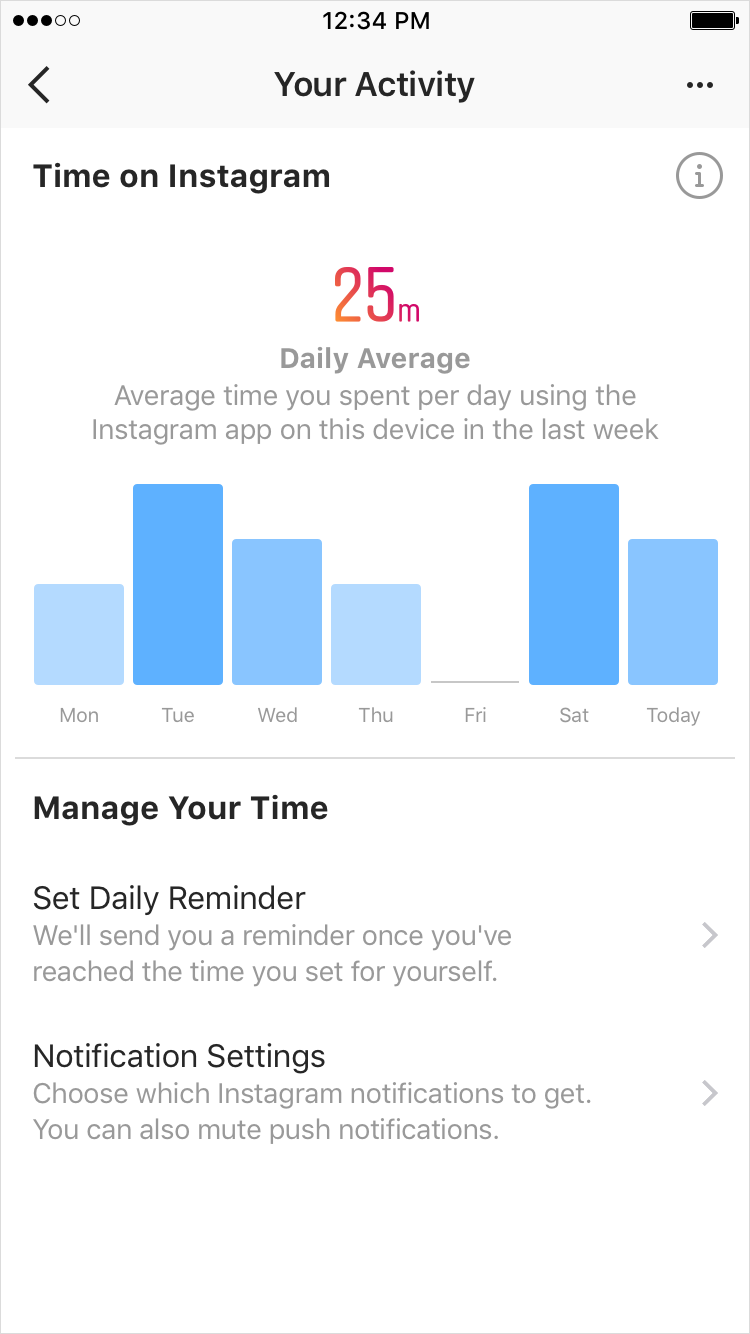
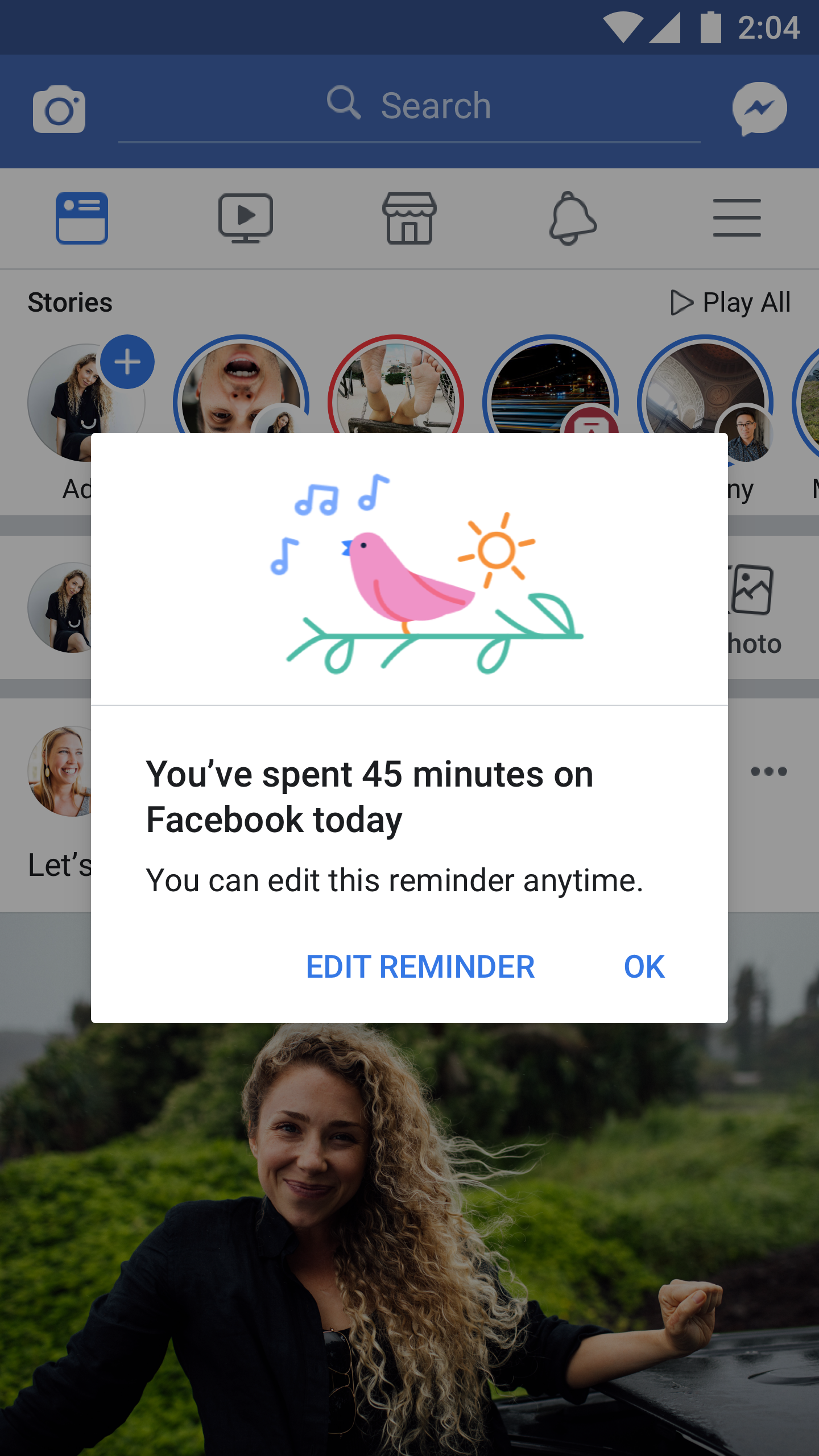
Time restriction: Facebook and Instagram also allow the user to indicate how much time a day he would like to spend on these applications. After this time has expired, you will receive a notification - however, to continue to sit on Facebook or Instagram further, it will be enough to press the OK button.
Notifications: on the same page where you can see the time spent in the application, and make a reminder, you can temporarily block push notifications. The blocking works from 15 minutes to eight hours; Inside the application, everything will remain still-for example, on Instagram in a tab with notifications about likes and comments there will still be fresh information.
Parental control: Functions that allow parents to limit the amount of time that their children spend on Facebook and Instagram. At the same time, the director of product management on Instagram, Amit Ranadiv in a conversation with Medusa, did not rule out that parental control would appear in the future; The company "looks to this function."
When it works: Facebook and Instagram launched a page to control the time in the applications and disconnect Push notifications on August 1. The developers promise that in the coming weeks new functions will appear among all users.
iOS
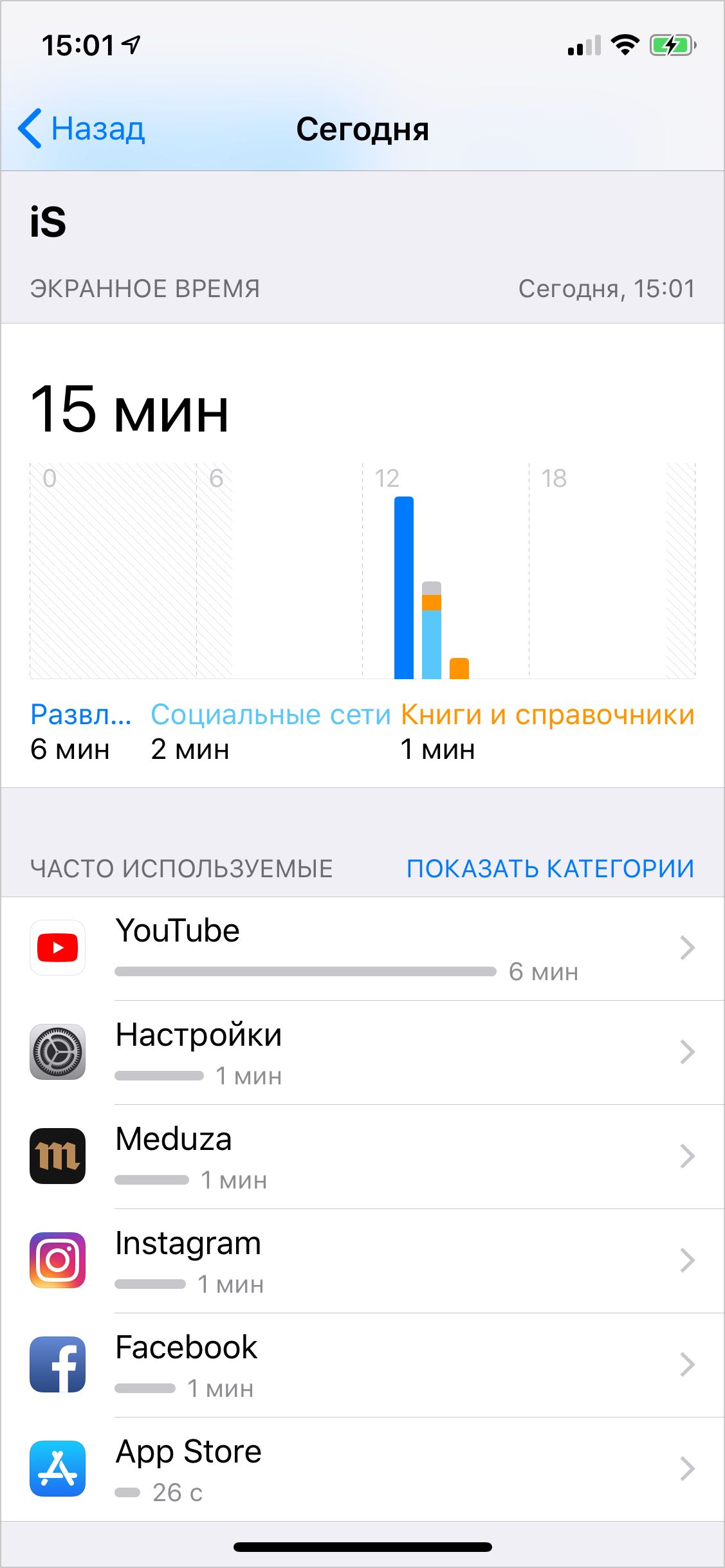
Time in applications: Apple added in iOS 12 the “screen time” function, through which you can watch how much and in which applications you spend time. The phone automatically divides applications into categories (“entertainment”, “social networks”, “games”, and so on) so that the report is more meaningful.
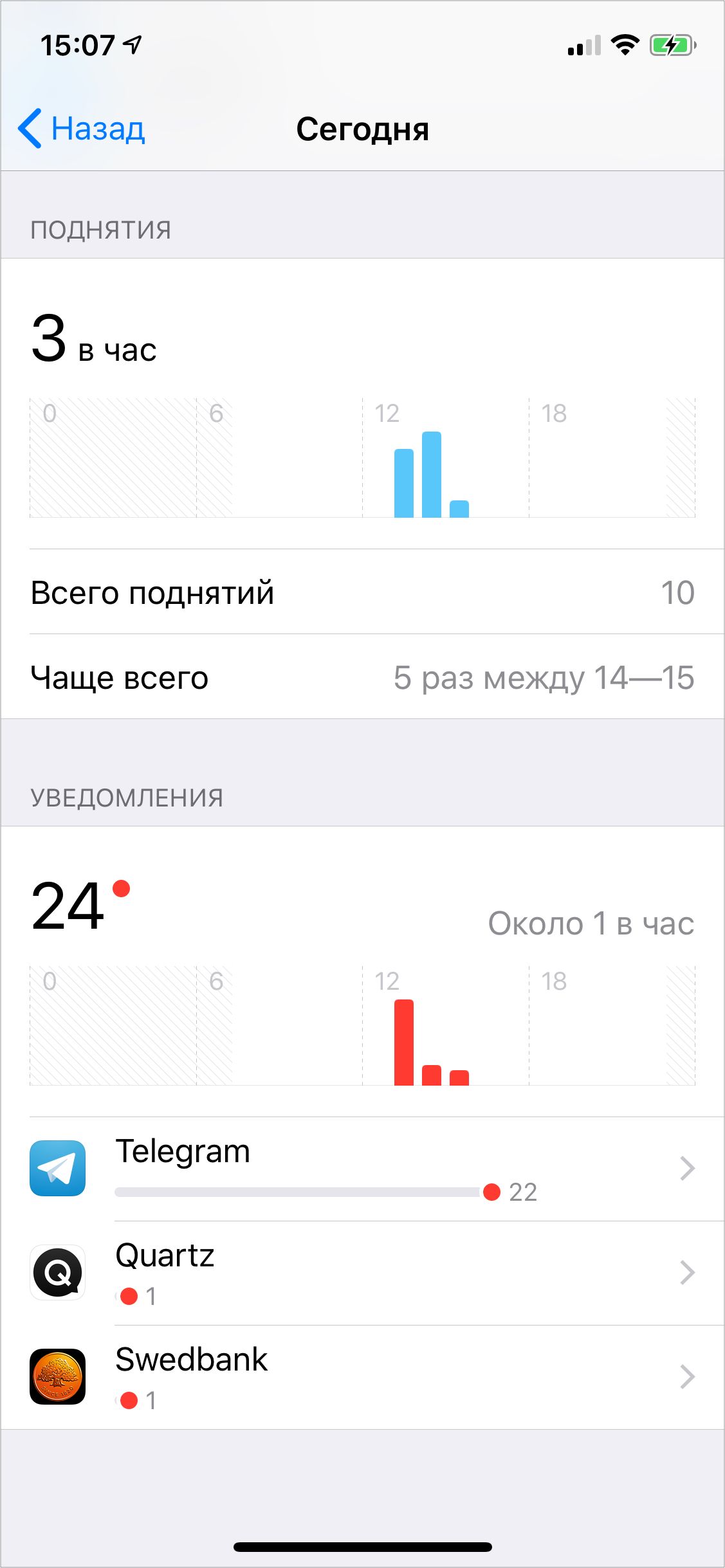
In addition to this, iOS 12 shows you how often you pick up the phone in your hands and how many push notifications you get.
Time restriction: the function of the “program limits” in iOS 12 allows you to put a restriction on the time that can be carried out in a particular category of applications - only Facebook or Twitter can not be selected separately. If the time has expired, a plug appears when entering the application - but immediately you can “extend” the use time for 15 minutes or even turn off the limit for the day.
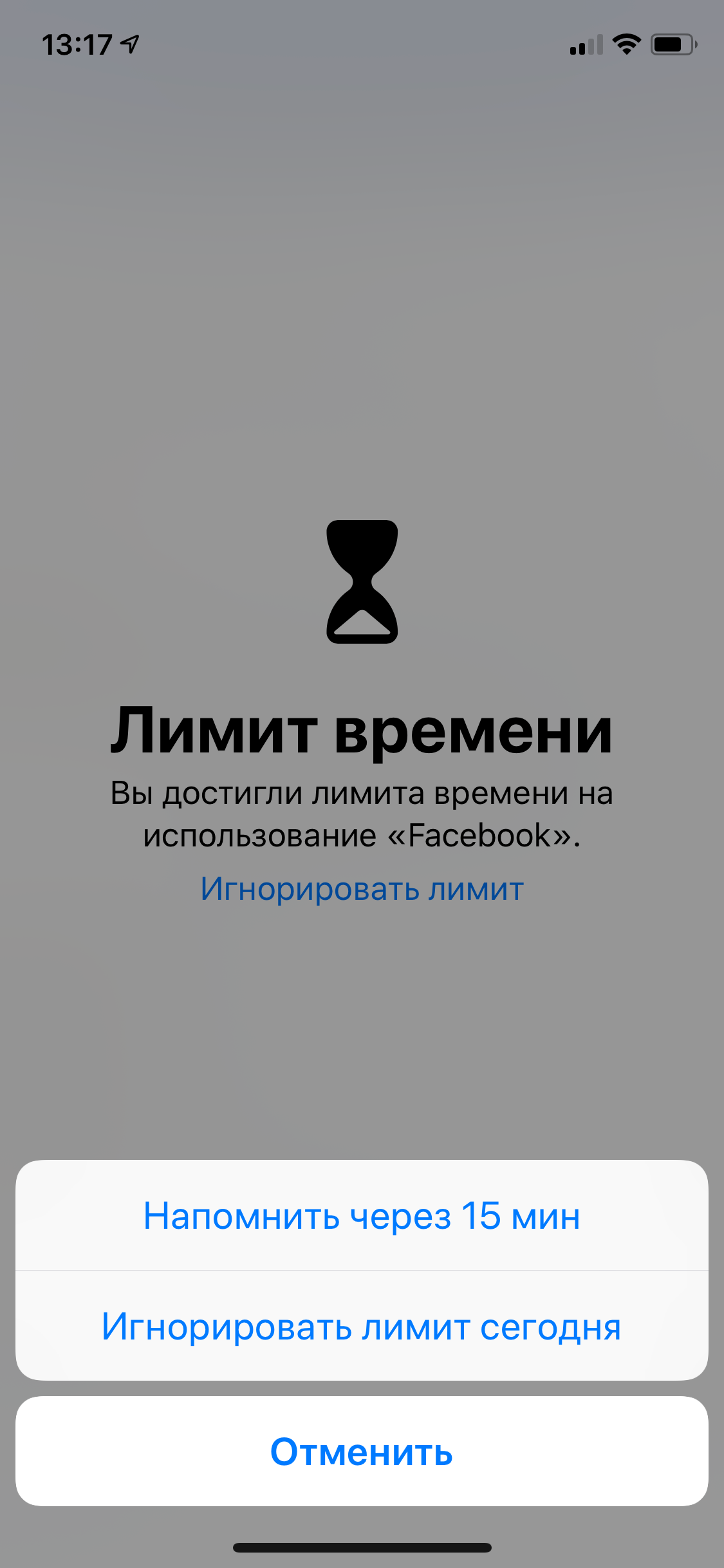
Updated: we were mistaken, in fact, you can set restrictions for individual applications. This is simply done not through the “program limits” menu, but through the report on the time spent on the applications.
Notifications: In the iOS settings there is a menu that allows you to configure and disable notifications from all applications. In iOS 12, they added the possibility of quick settings through the “Manage” button - near the notification that appeared on the blocked screen.
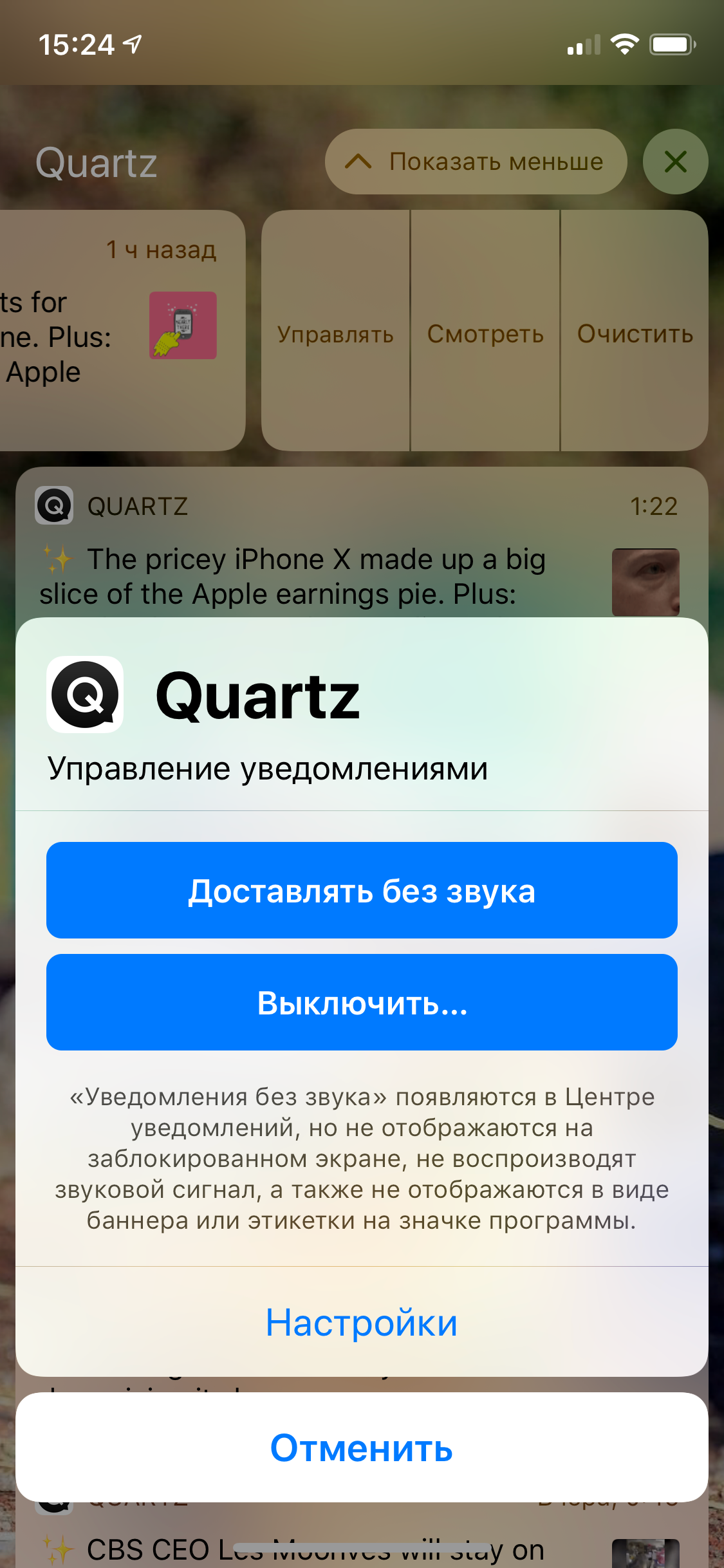
It is impossible to drown out notifications from a specific application for a while in iOS 12. But you can configure the “do not disturb” mode, hiding all notifications - for an hour, until the evening or until you leave work.
Parental control: iOS allows you to configure a "children's" phone in which you can set additional restrictions protected by password. And in iOS 12 - from an adult phone to monitor how long the child spends on certain applications and set temporary restrictions.
When it works: iOS 12 will be released on iPhones and iPads in the fall of 2018. Users can also establish a beta version of the system-it is already available.
Android
Time in applications: In March 2018, Google showed Android P - a new version of the operating system. And there are also functions of accounting for time and notifications.
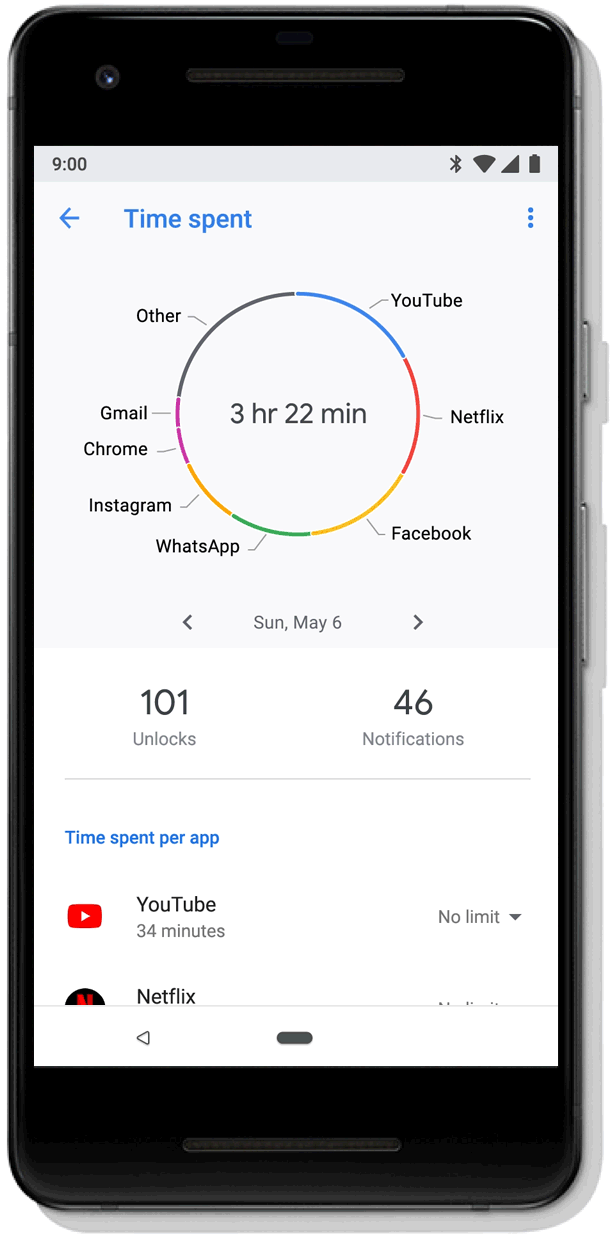
Time restriction: Android P allows you to configure a temporary restriction for each specific application. When the allotted time will approach, you will receive a notification, and when it ends, you will see a “plug” (if desired, you can remove it). On the main screen, the application icon, whose “duration” has expired, will become gray.
In Android P, you can also configure the sleep mode - when the time comes to go to bed, the phone screen will become gray so that you are not very fond of.
Notifications: In Android Oreo (the current version of the system), you can temporarily drown out notifications from applications through the notification panel. In the new Android P, you can turn off all notifications (except for urgent) by simply putting the phone on the table with a screen down.
Parental control: In Android, parental control is carried out through the Family Link application - moreover, in adults that control children, there may be an iPhone. True, Family Link is not available in Russia.
When it works: the functions that appear in Android P can be tried when the corresponding update will come out for your device - this can happen in a few weeks and after a few months (or maybe not at all). The beta version of Android P can be installed now, but the list of supported phones is very limited .
YouTube
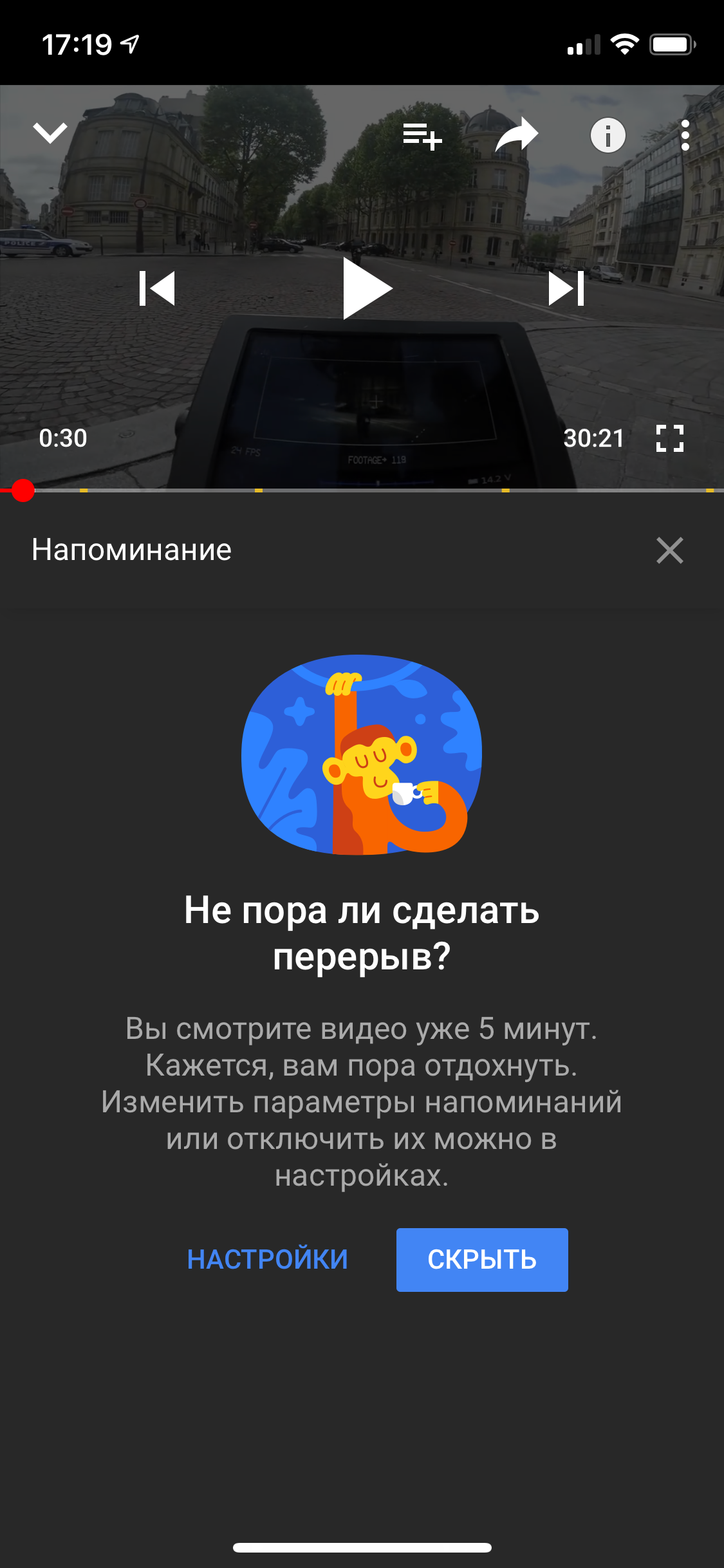
Time limit: in the settings of the YouTube application there is an option "Remind me that you need to relax." If you turn it on, the application will invite you to indicate the maximum amount of time that you are ready to spend after continuous viewing of the video. When the limit is exceeded, the application will offer to rest - but this can be abandoned.
Sultan Suleimanov