
Translated material
Almost the perfect mini-planet on Windows, but not an iPad killer. What do journalists say about Surface Go-an inexpensive laptop-transformer from Microsoft
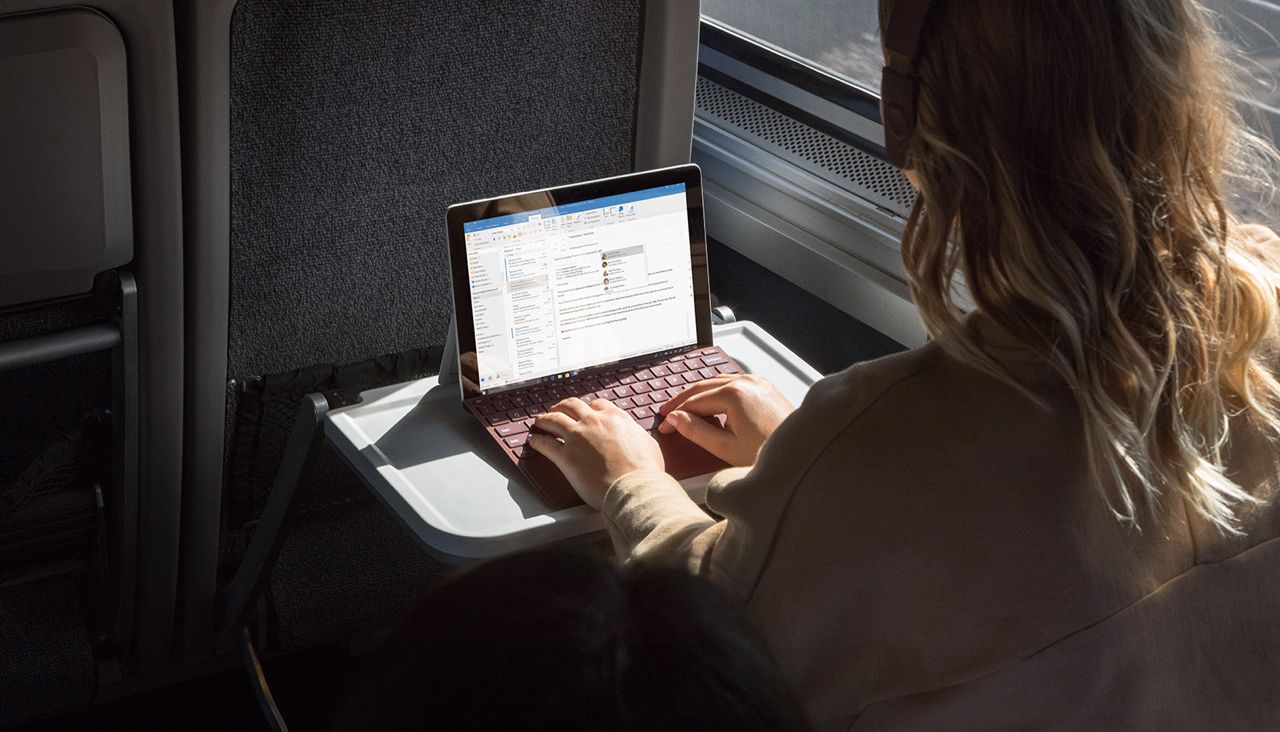
In July 2018, the Microsoft Corporation announced a new device in the line of transformer laptop Surface-a small and relatively inexpensive Surface GO tablet. In early August, reviews spent on the results of several days spent with Surface GO in Western technological publications. Journalists basically liked the new device. "Medusa" studied what they praised and for which they scold Surface GO in reviews.
What is Surface GO
Surface Go is a 10-inch tablet with Windows S support, an almost full version of Windows (one difference: in Windows S, you can install programs only from a built-in digital store). The device is smaller, lighter and cheaper than the “classic” Surface Book, but you can also connect a stylus and a physical keyboard to it.
Surface GO uses the Pentium Gold processor - weaker than Intel i3. The cheapest version of the tablet in the United States costs $ 399; It has only 64 gigabytes of built -in memory and 4 gigabytes of the RAM. In order to double both parameters, you will have to pay another 150 dollars. The keyboard and stylus for Surface Go need to buy separately, they cost another 100 dollars each.
Surface Go has one USB-C port and headphone port. There is no port for connecting ordinary USB flashes in it.
Impressions
Journalists who spent several days with a more powerful 550-dollar version of Surface Go (judging by their reviews, they tested a device with a connected keyboard), note its small size and lightness. Surface GO is about the width and length of about a 10-inch iPad, so it is easy for them to use as a tablet and carry it with them.
Thanks to the full-fledged Windows (you can remove restrictions from Windows S in several clicks), you can work normally with “adult” programs-that is, not only sit on the Internet or watch video, for example, edit photos in Photoshop. The computer even copes with not very demanding games on low settings, such as CS: GO and Overwatch. Although, of course, it will not work as the main device for work as the main device - it is not powerful and too small enough.
“[Productivity] Surface GO is located on the territory of“ quite good ”, and I do not sigh with relief when I transplant to a more powerful device,” writes the author of The Next Web Lopez Piece. In his opinion, Microsoft finally got a computer that the company tried to make from the very beginning. Lopez calls Surface Go to his loved ones PC-that is, still does not put the tablet above macbooks and iPads.
The fact that the keyboard for Surface Go has to buy separately, journalists consider one of the main disadvantages: because of this, the device that Microsoft declares the price “from $ 399”, as a result, can cost up to 780 dollars. Here is how Dan Akerman describes this with Cnet: “Yes, it is much cheaper than the larger Surface Pro and the price is closer to the iPad. No, he will not save you a lot of money, since the mandatory cover-keyboard and other accessories are still sold separately. ”
The Gizmodo journalist Alex Krantz in Surface Go liked everything except weak performance - in particular, she praised the device by a special leg on the back cover, allowing him to stand steadily on the table from the right angle. In the iPad Pro with a keyboard, for comparison, you have to be much more careful.
The Engadget Surface GO is also praised: the journalist Devindra Hardavar calls him “an almost perfect cheap Windows tablet”, although he notes that the device was gone “killer”. As the disadvantages of the computer, the Hardavar (like the authors of other reviews) calls too wide the framework around the screen - for them, of course, it is convenient to hold the tablet in their hands, but they look old -fashioned.
The journalist believes that Surface Go is a tablet rather than a computer, but adds that the keyboard was surprisingly convenient for it: “I had no problems writing a review and other long articles on the Surface GO keyboard. What can I not say about the keyboard from the iPad Pro, which feels like you are printing in a dirty sponge. I would be surprised that Microsoft was also able to fit a big touchpad on the keyboard. It works better than the touchpads of most laptops that I used. ”
Wrote a review on other people's reviews Sultan Suleimanov