
Translated material
How to make a page to collect donations more understandable

The page with the “sacrifice” button is not designed to tell the whole history of the organization. It is created only for one specific action - a person must immediately understand how you can transfer money. How to make a page with a button more understandable? Elena Vyzhenkova, director of the Moimio Charitable Fund, Victoria Ryzhkova , and the head of the Teplodigital program Olga Popova at the White Nights Fandraizing Conference on June 13 in Samara, shared the recommendations of the recommendations.
Adviсe
1. Make information in the form of visual blocks, remove large texts for them.
2. Write on the page the steps to make a donation, designate them with icons. It is important to do this as simple as possible - three steps enough.
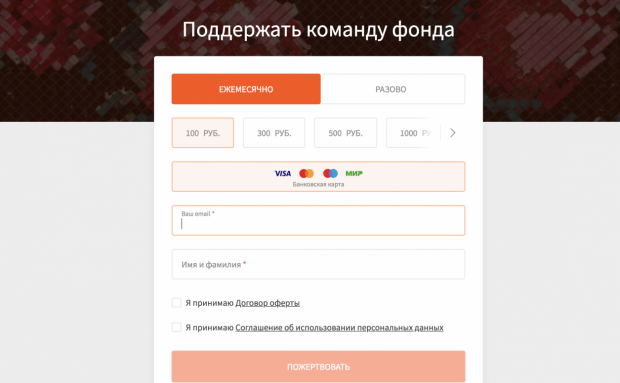
3. Choose your own style and test it. It is believed that for fundraising is needed bright, giving hope of color, but also causing voltage combinations also work.
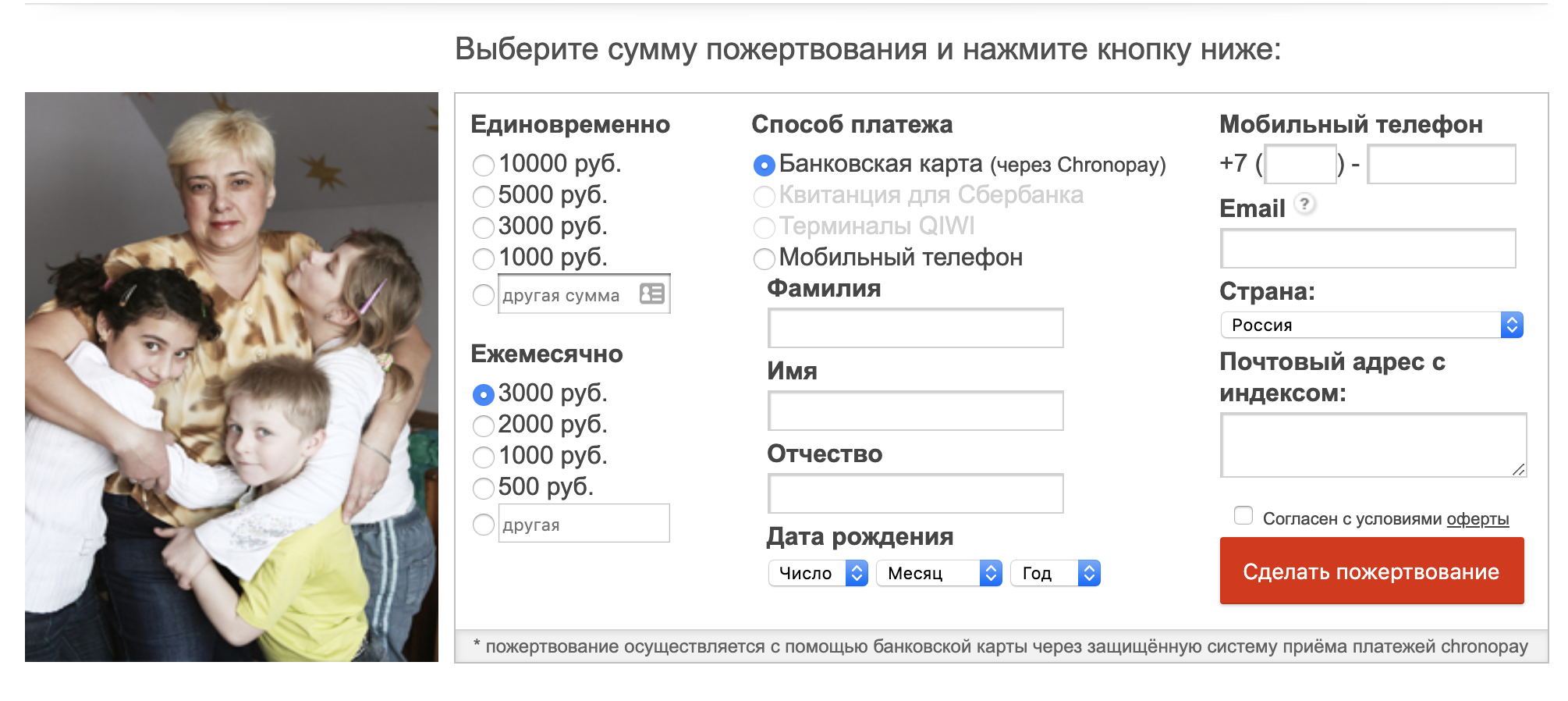
4. Place on the site a simple major form of donation with a minimum of fields. No need to collect extra data - only the name, surname and phone, if necessary.
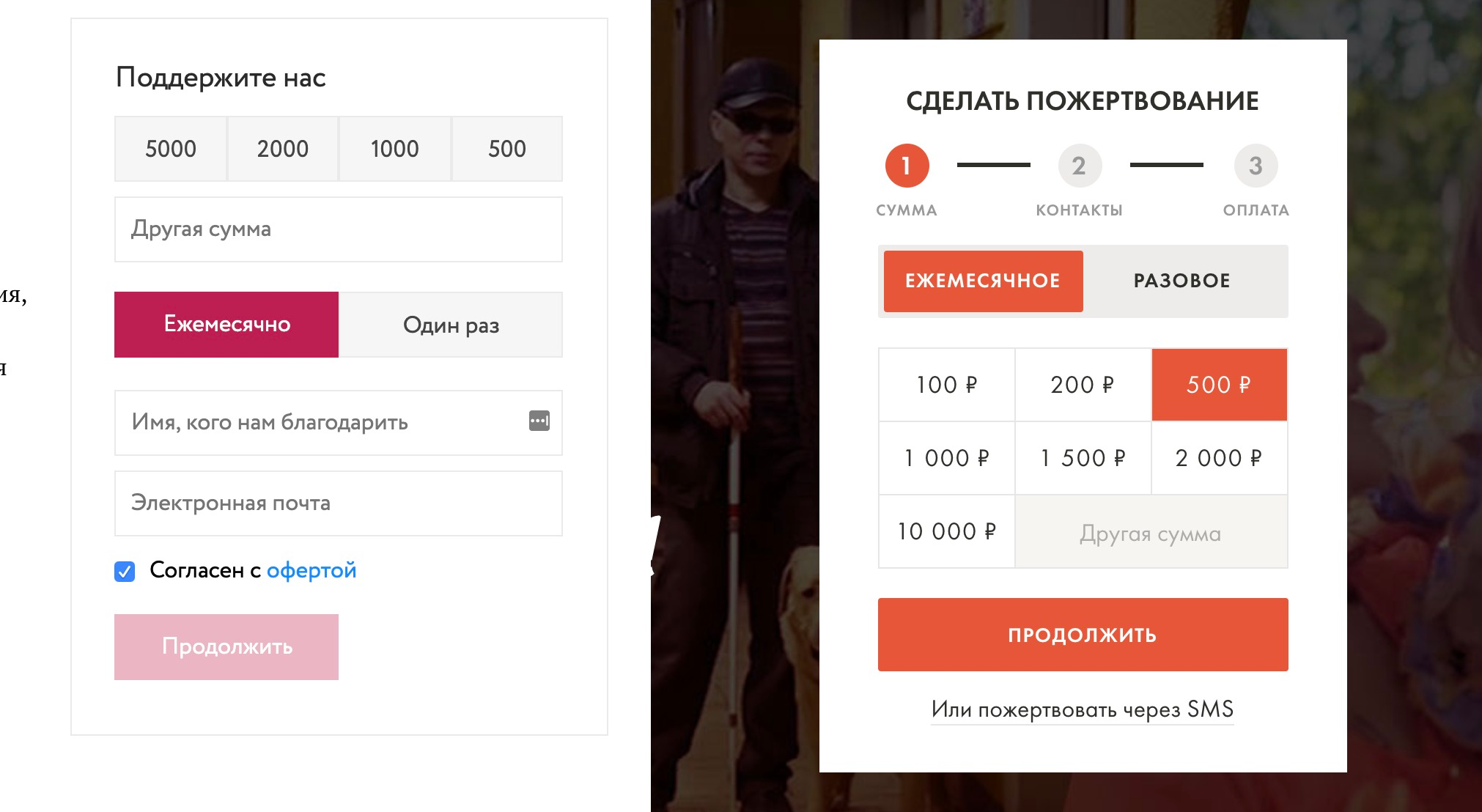
5. Make the “help” or “support” button bright and noticeable.
“Once upon a time we thought that the“ help ”button should be red. But if the red color does not fit into the design of your site - use another combination. It can be just more contrasting and brighter. ” Victoria Ryzhkova
6. If you collect regular donations, put them in the first place. The main thing is that the donor clearly understands that this is precisely a regular payment, not one -time.
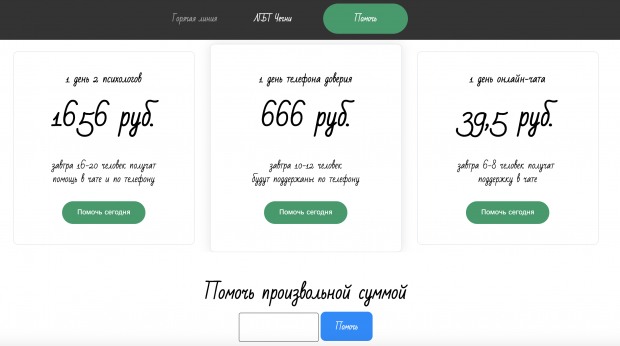
7. Give in the form three different amounts of donations, highlight the largest of them. If necessary, the donor will choose a smaller one, but most often it is transferred precisely the allocated amount.
8. Do not forget that the page should be adapted to mobile devices. Almost 70% of the visits to the site "Children's villages SOS" from the mobile version.
9. Place the donations meter on the page, the collected amount and target. This motivates well, because we love to understand that not only - everyone needs to see how much we have invested and how much remains. If possible, make a running line with information about who and where did the last donation from.
“It is important to show your victories on the site. For example, the child had problems, and now you collected money, and everything became good for him. ” Elena Vyzhenkova
10. After the donation, a person must get on a special page, which must be designed in the general design. It needs to place gratitude and offer to share this: “Thank you for your support, and now tell us about us on social networks.”
11. Also make a page of the notnicated donation on which you can offer it to arrange it with other methods. Add payment systems to her icons to make it even easier.
12. Add to the mobile version the opportunity to sacrifice through Apple-Pay and Google-Pay. Donors now do not like to waste time to get a card. They often leave the site where there is no way to sacrifice a fingerprint.
“To connect Googlepay, you can use the Benevity.com service - this is a complex system, but it gives a good result (more details can be studied in the material of the greenhouse - approx. End ). You can also use ready-made plugins for collecting donations, for example, an online stone developed by a greenhouse of social technologies. ” Olga Popova
13. Among all payment options, focus on payment from a bank card. Now people use only three methods - a payment through SMS, card or transfer in a bank, all other methods can be removed.
14. You can make Landing-Page yourself, use sites designers, your own photos or photo banks for this. If there are no resources, seek help from young specialists and volunteers, for example, to the IT volunteer platform.
"Online Leak" is a free plugin that helps to simplify and improve the collection of donations on the websites of NPOs and public media projects.
To install the “watering can”, you will need to install WordPress, but if your main site works on another system, you can always install a “watering can” only for the collection (see management ). The plugin has already been installed in one of the templates of the website of the charity fund created using the Candininsky sites designer. You can install such a site yourself without the help of developers.