
Translated material
Laptop VS stationary computer
Now, probably, even a child who has just begun to walk already knows what a computer is.
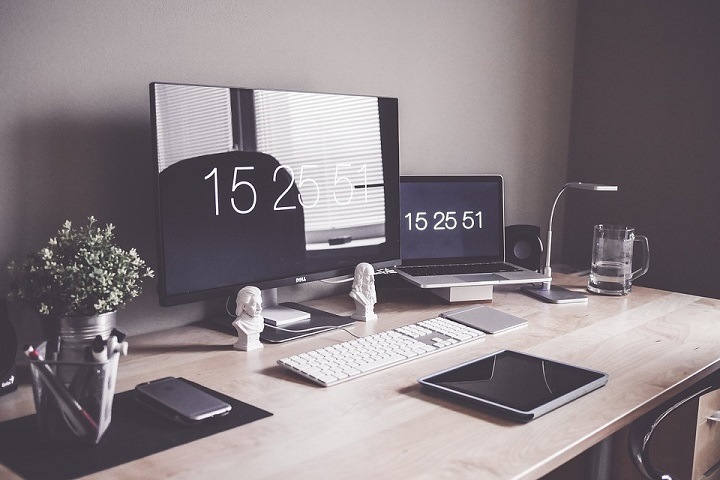
The twenty -first century pleased us with his arrival with an abundance of gadgets: Tamagochi, Pager, cellular with unilateral connection, tablets, electronic books, netbooks and laptops.
All this diversity greatly facilitated human life. And if earlier a person in the hands of these devices caused surprise in everyone, at present even a stationary computer stands in every apartment.
Which is better
If we consider the pros and cons of the laptop and a stationary computer for the home, first you need to decide for what purposes this technique is purchased.
Compactness If there is little space in the apartment (room) or there is no desk at all, a laptop will be an excellent option for such a room. Another option is on the contrary, if the system is needed not only for listening to music and correspondence in social networks, or for example your child is studying at school and a computer is needed for work or study. Convenience I think here and without explanation it is clear that the stationary computer will be “fixed” in one place where you put it, and the laptop can be taken with you anywhere. And if your work does not imply “gatherings” in the office - you can easily go to the nearest park and engage in labor activities there. Design The difference between a laptop and a computer with a system unit is also that the beech has no so many wires and does not connect wires to the modem. You can use the World Wide Web using the Wi-Fi network. Of course, there is no unequivocal answer which of these machines is better, because each person chooses convenience for himself. If you decide to purchase a laptop, there are several rules to extend its life explosion. The laptop and his “life” immediately after the purchase of a new device, you need to charge it up to one hundred percent first. Until that time, it is better not to turn off charging from the power supply. Then you should completely discharge the battery. On the Internet, sites do not advise doing this quickly by watching a film on DVD. It is better not to rush and “kill” the battery slowly (to exploit a new purchase is not in full force). Discharge and charge the battery preferably three times in a row. This will “teach” your laptop in the future to use your strength to the full. It is advisable to carry out such a procedure once a year (discharge three times and immediately charge three times).