
Translated material
iOS can now be turned into Windows 95 or BTS glory hall. To do this, you need to configure widgets and change the application icons
We tell you how to do it!
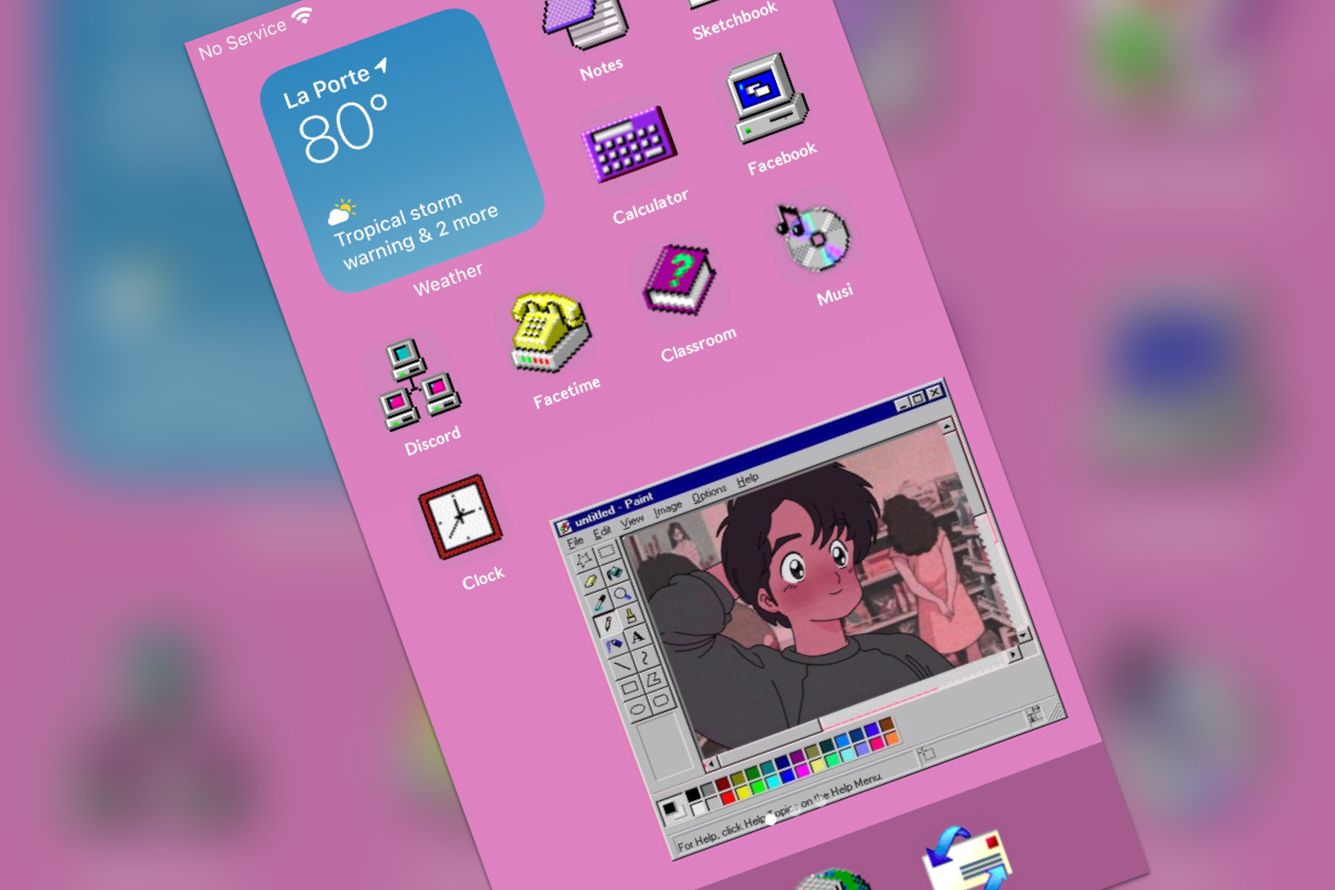
In iOS 14, it became possible to add widgets to the home screen. So far, there are not many widgets, but using applications like Widgetsmith and Color Widgets you can create your own: configure their appearance and set available functions. At the same time, through the “commands” section, you can manually change the application icons. Together, this led to the creation of custom screens on iOS 14 - they are stylized under Windows 95, PlayStation 2 memory cards, paintings and even the film “Matrix”.
How to assign a new icon to the application?
Video Instructions
Text instruction
- Launch the “command” application and click on +
- Click on "add action"
- Click on "scripts"
- Sweet to "open the application", click on this item
- Select the right application in the "Select" item
- Click on three points
- Enter the name of the team
- Click "Add to the screen home"
- Press on a quick team illuminated in blue in the left edge of the screen
- Select photos from the gallery (or make new)
- Press "add", and then - "ready"
- Now ready!