
Translated material
Big neurobro is watching you: a reminder on security and hidden features in ChatGPT, Gemini and Claude
AI Sector

Now everyone has an ideal assistant in their pocket: he doesn’t get tired, works quickly and can figure out almost any problem. AI has also become popular among the media, NGOs, and civil initiatives: it is used to write grant applications, prepare research, and communicate with partners. But before you trust neural networks with important information, you should understand not only their capabilities, but also their privacy settings. This is where something is hidden that can protect your data and speed up your work - or, conversely, create a risk of leakage.
The author of the Telegram channel about AI for NGOs, media and civil society AI.Sector has prepared a guide for those who use neural networks to work with closed sources, beneficiaries, partners or internal documents of the organization. Let's figure out what ChatGPT, Gemini and Claude can remember about you, how to limit access to data and what functions should be used to make the neural network work not only faster, but also more securely.
What's happening to your data right now
In this article we look at popular platforms: ChatGPT, Claude and Gemini, which by default can use your conversations to train their models. Since recent policy changes, many providers have moved to the opt-out principle, according to which the user is included in the process in advance, but has the right to opt out at any time. Simply put: data is collected unless you specifically disable it in your settings.
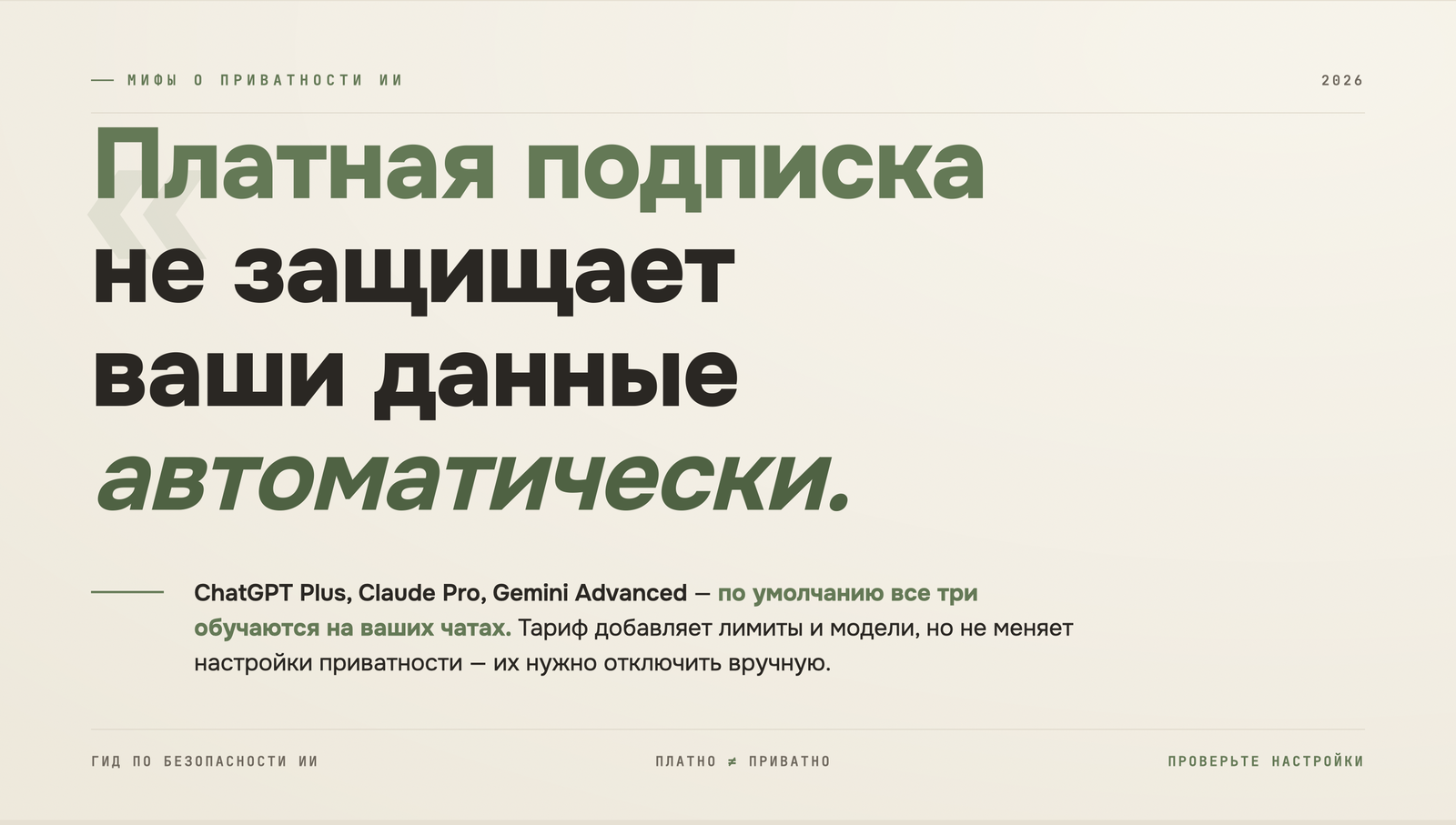
A paid subscription does not automatically protect you, as it usually gives you access to features and speed, but does not increase privacy. If you're paying $20 a month, by default you're still probably training their model.
Universal rules
Regardless of your privacy settings, there is data that is best not entered into any AI service:
— Passwords and access tokens;
— Personal data of your beneficiaries or sources;
— Confidential information about partners and donors;
— Legally sensitive materials.
There are studies that up to 80% of NGOs have not yet created documents on an AI use policy. If you are part of this percentage, you should think about creating a set of rules that will help protect data, reduce the likelihood of errors, and make the use of neural networks transparent for the entire team. It is enough to start with simple agreements: what tools are used, what data cannot be entered, who and how checks the result before publication.
ChatGPT
Safety
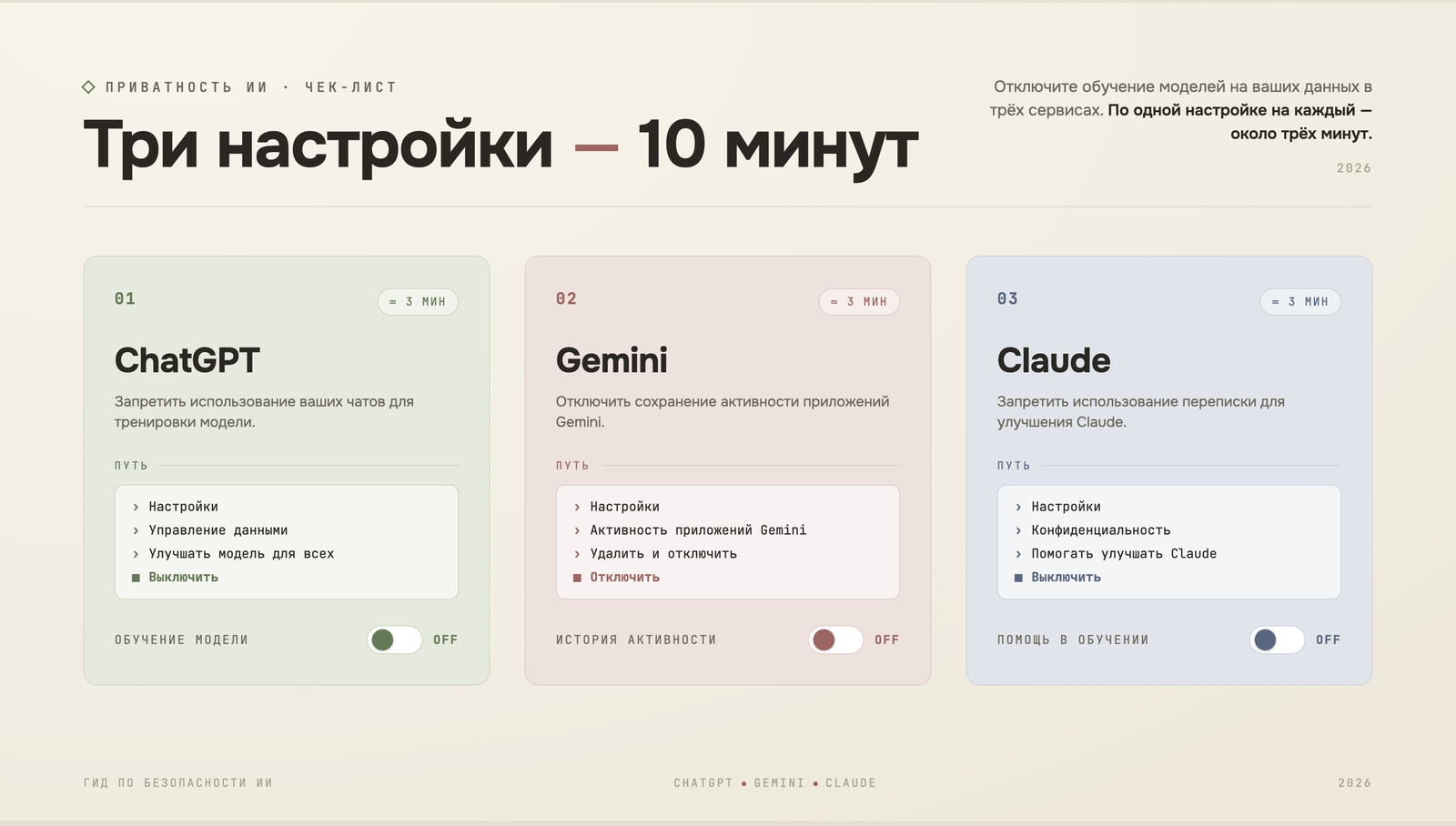
Learning from data: Settings → Data Controls → disable Improve the model for everyone. This mode is the closest thing to private for the free and paid Plus and Pro plans. Enterprise accounts disable training by default.
Temporary chats : such chat is not saved in history and is not used for training, although it remains on the servers for a short time. An important detail: a US court ordered OpenAI to save all conversation logs for legal purposes. Later, in September 2025, standard deletion rights were restored, but some data continues to be retained as part of legal claims. In other words: deleting a chat doesn't mean it will instantly disappear.
Another point of risk: ChatGPT Agent, which users enable to perform multi-step tasks, and the model can search for information on the Internet and generate reports on the search results. Remember that in this mode the model controls your browser and saves data, including screenshots, for 90 days after deleting the chat.
Features that make your work more convenient
Custom Instructions : Several text blocks in which you can describe yourself and the context of the work, as well as what the answers should look like. If you represent an organization, you can enter the mission, audience, tone of voice, so as not to have to explain it again every time you ask.
Memory : ChatGPT remembers details from conversations. This memory can be viewed and edited manually: remove unnecessary things and add important ones.
Projects : You can create separate workspaces for each direction: with instructions, loaded documents and constant context. For example: a project for grant applications, a project for communications or monitoring.
Scheduled Tasks : Scheduled tasks without code. Push notifications or email notifications with reminders for various tasks.
Thinking : depth of analysis control. You can set the minimum level for simple tasks and the maximum level for complex documents or strategic texts.
For NPO employees, it is worth noting that OpenAI offers a discount of up to 75% on ChatGPT Business and Enterprise. It's worth checking to see if your organization qualifies. Important: if your NPO is located in Russia and Belarus, then OpenAI services are not officially supported in these countries .
Gemini
Safety
Gemini is one of the most sophisticated in terms of privacy because it is built into Google.
Data-based learning: can be disabled via the link or: in the Gemini interface via the path: Settings & Help → Activity. By default, Google stores your conversations in Gemini for 18 months. You can change the shelf life to three or 36 months.
Access to Google Workspace: Gemini can access data from Google services: Gmail, Drive, Docs, Sheets. Carelessly configured access rights to folders and documents are automatically inherited by the model. You can check this in the settings or on the connected applications page: make sure that integrations are connected only where necessary.
There is also a hidden problem: if one of your conversations is manually reviewed by Google moderators, it is stored for up to three years, even if you deleted the activity history. Deleting in the interface does not affect already verified conversations.
Features that make your work more convenient
Deep Research: a mode in which Gemini itself formulates a research plan, searches dozens of sources and compiles a structured report. This is not one answer, but an analytical document. Launched by selecting a mode in the chat field before sending a request. Can be used to prepare a certificate about the donor before an application, monitor the situation on various topics, collect context for a new area of work.
Gems : personal AI assistants for specific tasks. You can create your own “employee” by giving him instructions and a response format. There are also ready-made Gems, such as the Brainstormer idea generator, Learning coach for studying complex materials, Writing editor and other mini-applications.
Canvas : A workspace inside Gemini for creating and editing content. A full-fledged editor with formatting, allows you to create interactive materials: quizzes, infographics, audio reviews. It is convenient to take the result of Deep Research and immediately turn it into a short visual report or presentation.
NotebookLM + Gemini : a combination that few people use to the maximum. NotebookLM stores your knowledge base (you can upload documents, regulations and archives there), and Gemini uses it as context and at the same time supplements it with fresh data from the network. What you get is a personal AI analyst: internal knowledge of the organization and current external data, filtered for the task.
Gemini in Google Docs, Sheets, Gmail : Opens as a sidebar right in the document, sees its contents, can edit, summarize and translate without switching between tabs.
Claude
Safety
Data-driven learning: You can disable this feature in the settings: Settings → Privacy → Privacy Settings → turn off “Help improve Claude”. If you allow training, data may be stored for up to five years. If you refuse, the standard storage period is 30 days.
Incognito mode : Claude has an incognito mode. Such chats are not saved in history and are not used for training.
Features that make your work more convenient
Artifacts : documents, tables, interactive tools, websites, dashboards that Claude creates open in a separate panel, they can be edited through a dialog and exported or published: after publication, a link appears where anyone can open and use the artifact.
Memory : Claude can automatically remember relevant details from conversations for future use. You can enable the function in the settings or write your wish directly in the chat, for example: “remember that I prefer short answers.”
Projects: Workspaces similar in functionality to ChatGPT's Projects: documents, text, code, or other files can be placed into the project's knowledge base, which Claude uses to understand chats.
Extended Thinking : mode of deep analysis and detailed reasoning before answering. Useful for legal, strategic, technically complex texts or document analysis.
Reply Style : Previously, Claude had a separate Styles feature: you selected or created a reply style via the chat menu, and it would be applied to all messages. This logic has now been moved to the Skills section, where you can also set preferences for the tone and format of answers.
Important for NGOs: Claude Team and Enterprise accounts do not use training data by default, and Anthropic offers NGOs up to a 75% discount. However, for Russia and Belarus, Anthropic does not provide access to Claude.
You can read about these and other opportunities for using AI in more detail in the Telegram channel for activists, representatives of NGOs, media, civil society, AI.Sector .