
Translated material
We make backup copies
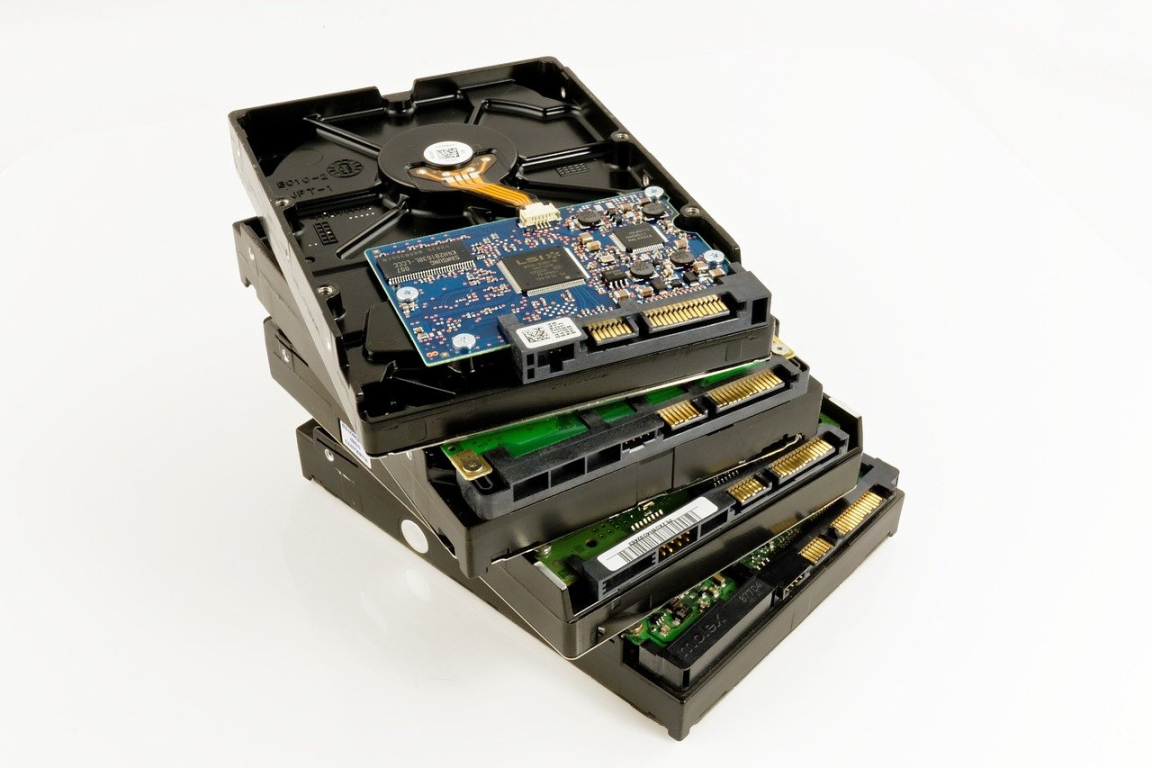
How many times have you heard the mantra “make backups”? And how many times have they waved from her? Recently, the backup situation has changed. If you are at risk, a computer and a mobile device can be removed. Another service providers sometimes block the accounts of Russian users for political reasons. Finally, there was always and remains the risk of a hacker attack. In a red -hot political agenda, this risk is higher than usual. Therefore, from the routine procedure, backup turns into an emergency necessity.
Perhaps the system administrator helps you in your work, and the process of backup of all (or most) data is automated. Then you are lucky. This article is for those who work on their own and are not able to entrust the creation of backup copies to professionals.
What will we keep in the first place?
I recommend starting with the list of the most valuable data:
- domain name;
- website (files and database);
- Files on hard drives, flash drives and other media (including mobile devices);
- messages in messengers;
- email correspondence;
- settings, bookmarks, history of browsers;
- address book on the phone;
- Files in cloud storages.
Think about this list is relevant for you? What would you add here? Maybe you need to backup of the corporate chat Slack chat or records of Zoom webinars, YouTube channel, settings of some programs and applications?
When compiling a personal list, do not forget to ask yourself exactly where this or that data is located. Sometimes people remember, for example, about protecting the main working computer, but forget about the outer hard drive lying in the corner under a heap of papers. Or about the Microsd card left on the old phone.
We get rid of unnecessary data
You will provide yourself a great service, if before the start of backup, delete unnecessary data. I, in particular, attribute to this:
- irrelevant workers and personal files that are stored “just in case” or simply because they were forgotten to delete;
- ancient backups made a long time ago and since then “blocked” more new copies;
- Distributions of programs (except for the most fresh and absolutely necessary in work);
- Files with entertainment (music and films) - they often occupy a large volume;
- Old chats and correspondence.
I will make a reservation about the photographs or videos you shot. If you feel the strength in yourself and have resources for sorting and rejection, do this work (at least in relation to the video). If you feel that the disassembly of photographs spends your time, like a tank diesel fuel, it is better to postpone the disassembly for later. Reserve data is more important.
Please note that it is better to get rid of important (sensitive) data in a reliable way - so that this data cannot be restored.
We prepare a place for backup
You can use external physical media, for example, an external hard drive or flash drive (memory card). You should think about where these carriers will be stored. Do not hold backups in the same apartment or office where original data are located. It is better if the storage location is not logically related to your work or social activity. Perhaps you should not store backup copies of the closest relatives.
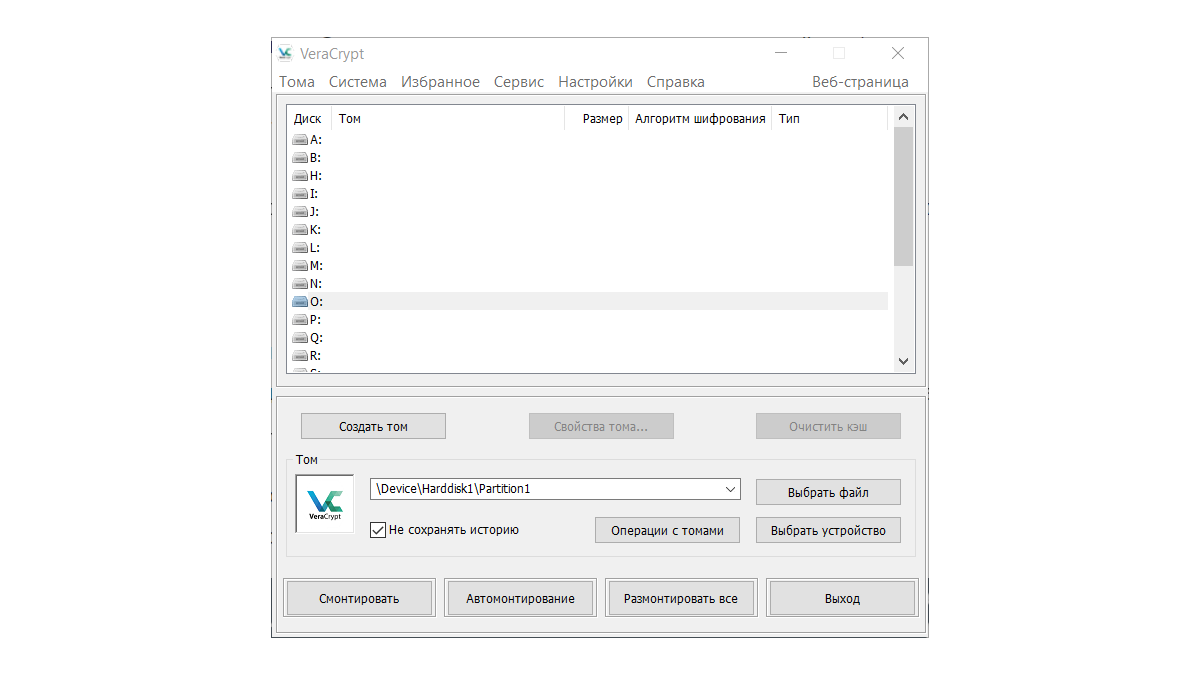
Do not record important data on the carriers “as is”, in an unprotected form. Prepare the carrier (USB flash drive, card, disk) using encryption, for example, VERACRYPT .
Cloud storage (say, Mega.nz ) can be a good choice for backup copying the most important data. Before you download files into the cloud, use encryption to protect them, for example, Mailvelope or Hat.sh (the greenhouse made a screenscars about this service).
Some security experts advise preparing two or even three backups and store them in different places. Good advice if you have resources. In any case, diversify the storage. Make a copy on the disk, another in the cloud. Get a cloud on different services. Even Google accounts can be several (you have it, right?).
The domain name
You cannot create a backup copy of the domain name. However, you can prepare a reserve platform in case the domain name registrar decides to block you. Look on the network of some registrar, besides yours. I would not recommend choosing a registrar in Russian jurisdiction. Examples: Hostgator , Godaddy , Domain.com .
Wander around the site, study tariffs and payment methods, add the registration page to the bookmarks. If something happens in the future, it will save you time. If you are in Russia and cannot use a bank card to pay for a domain name, agree in advance with any of your friends or colleagues in another country.
On the website of your current domain names registrar, see the Domen settings. You are interested in where to unlock the domain for changes (unlock) and how to get an authorization code for transferring a domain to another company. The registrar does not always display this procedure, because no one wants to push customers to the thoughts of care.
Hosting and site
The tips about the domain written above are quite related to hosting. It is useful to have a more or less reliable reserve site at hand. This does not mean that it must be paid monthly - just know how to connect and pay. Registration of a domain name and hosting can be ordered from one company or from different ones.
But to the website, backup is quite applicable. If you have your own server in the provider rack ( Co-Location ) or VPS/VDS , then you have a systemine that knows the necessary steps. Just ask him how things are with backup copying. But perhaps you have a virtual hosting (shared) and there is no admin. Then, most likely, the hosting provider provides you with regular backup. Find out from the provider how often this happens, where and how can you download backup copies.
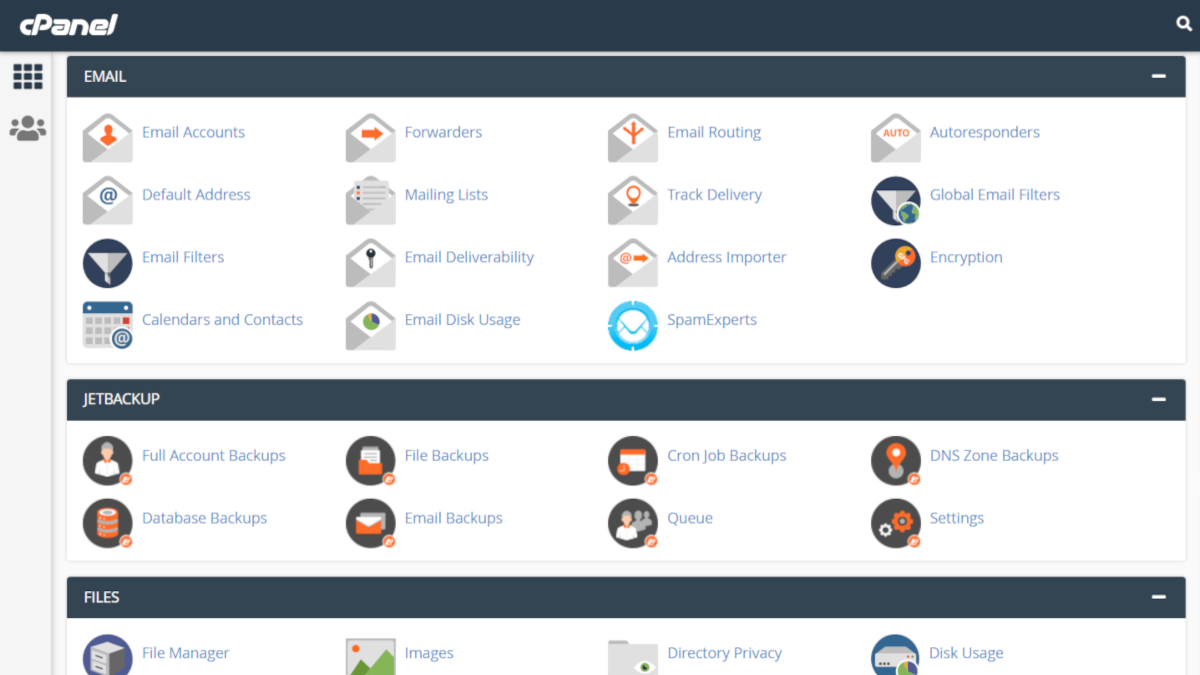
For reliability, I also advise you to create a backup copy of the site yourself. This is not difficult to do in the site control panel (type CPanel ) using automated tools or manually. In the latter case, it is usually required to rewrite files and make a copy of the MySQL database (for example, using the PhpMyadmin tool). If your site works for some popular CMS, for example, WordPress , you can relatively easily restore it on another site using such backup copies.
The easiest way will be for those whose site consists of static web pages. It's hard to believe, but in our time there are such sites. It will be more difficult for those who at one time succumbed to temptation and took advantage of the designer like Tilda. This is the initially dubious idea that is associated with the difficulty of data export from the designer.
My words seem too complicated to you? Contact the one who understands you to be shown the procedure for creating and preserving a backup.
Files on different media
Probably, the largest amount of data from a modern user is files on various media. I was surprised when I began to ask questions about ... disketts! Yes, it turned out that in 2022 people still have a supply of disks. In my opinion, disks should not be used as data carriers. The capacity of the floppy dishes is ridiculous in the current times. And their reliability as a means of storing data, taking into account age, is so small that it is simply unreasonable to use them in work. Think about rewrite information from dishes to other carriers, and destroy the disks itself physically. The 5.25 ″ diskette can be cut into large scissors (or garden secateurs). For a 3.5 ″ disc, you will first open the plastic case.
Further, “by seniority” there are flash drives and memory cards. Yes, yes, do not forget to remove the memory card from the old camera, perhaps there are also important personnel on it. With small, not used by more carriers (1 GB or less), I would have done the same as with disketts. The remaining carriers are subject to backup copying. Original data is better to encrypt. To protect the flash drives, you can effectively use the mentioned Veraacrypt .
It is reasonable to rewrite the files from the hard drive “as is” to another hard drive (external) by connecting it to the computer with ordinary USB cable (better than USB 3, this will positively affect speed). If you have a desktop and you can imagine a component connection diagram inside the system unit, it may be more efficient to connect a hard drive for backup directly to the motherboard.
Use cloud storage as described above.
Messages in messengers
I do not tire of repeating that communication in the modern messenger must be accompanied by the inclusion of the function of endangered messages. The life lifespan should be adjusted based on the threat model. For the most urgent and important messages, when communications are literally in real time (for example, if you need to transfer the details of access to the account), the lifetime can be set for less than one hour. For ordinary working communications - from several days to a week. It is unlikely that it makes sense to make a backup copy of chats with such settings.
If, nevertheless, you want to make such a copy, some messengers will allow you to.
- Signal , which is more often mentioned as a recommended secure messenger, allows you to save a backup and protect it with a key word (password). About how to do this is written here .
- Telegram (which I do not recommend perceiving as a safe messenger for a number of reasons) and synchronizes all the data in the cloud. But if you wish, you can export a backup copy of a separate chat from the Telegram desktop application. In the upper right corner, look for a button with three points and the desired item in the drop -down menu. You can even choose which elements to export (for example, save photos, but not video).
- WhatsApp allows you to maintain a separate chat, like Telegram. But you can back up all messages and media on a Google-disk (even with encryption). To do this, in the settings, select “Chats” - “Reserve Copy of Chats”.
Email is rapidly inferior to instant messengers, including in terms of security. I do not recommend storing emails in the mailboxes “just in case” and “not to forget the correspondence”. The exception is letters encrypted PGP . Therefore, it is precisely email that the advice is to get rid of unnecessary data.
Those who have e -mail on sites in Russian jurisdiction (like Mail.ru), I recommend considering the feasibility of such a decision.
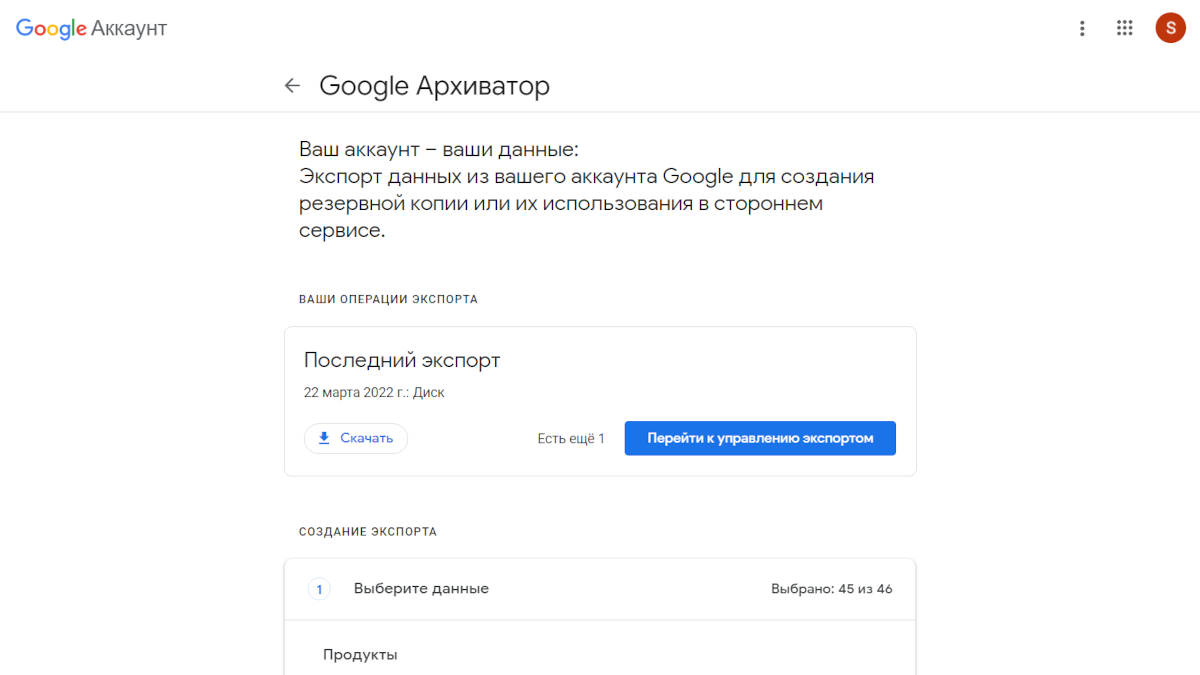
Many of our readers have Google accounts. This provider has a convenient export remedy called Google an archive . With it, you can export not only Gmail email messages, but also more than 40 other types of content and settings, including files on Google disk.
Browser data
According to statistics, most users prefer Google Chrome. For the export of data from the Google account, including the synchronized Chrome data, you can use the same Google archive . But only bookmarks are worth truly reduced. This can be done manually. Select in the “bookmarks” - “bookmark dispatch” settings, a button with three points in the upper right corner - “export bookmarks”.
Mozilla Firefox: the menu button with three stripes-“bookmarks”-“bookmark management”-“import and backups”-“export of bookmarks to the HTML file”.
Address book on the phone
In Android, you can use the Google One cloud storage. If you need to copy only the address book, this can be done without online services. Open the “Contacts” application and select in the “Import/Exports Export” settings. Remember that Android has many versions of the operating system itself, in addition and versions of the shells of different manufacturers. Your menu item may look different. For iOS, if you do not want to use iCloud for one reason or another, a backup copy of contacts can be made using third -party applications.
Cloud storage files
You can save files from the cloud manually, one after another. Or using built -in tools for creating backups, if any. For Google, for example, this is already a mentioned and very convenient Google archive .
Of course, in one article we cannot cover all devices and services for which it makes sense to make backup. Be that as it may, we hope that you will not put this important action into a long box.
More on the topic